New iOS security feature could have huge safety impact but you have to manually enable it

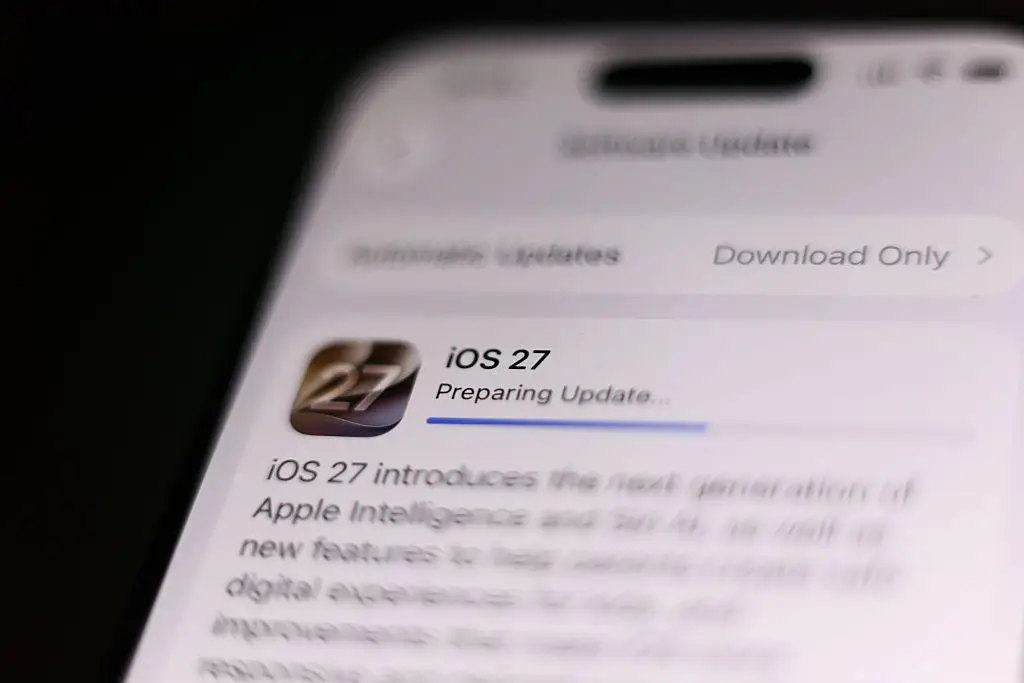
Apple launched its latest software update last week, and it's a big one.
The tech giant began updating iPhones with the iOS 27 software on September 14, and there's one feature has the ability to save you from scams.
What's the catch, you ask? You'll have to turn it on for yourself.
If you're one of the millions of iPhone users who have already downloaded iOS 27, you could already have access to its new security feature, Impersonation Risk Detection.
Advert
The feature is designed to catch you in the middle of a scam, crucially, before you hand over any money of risk weakening the security of your account.
Impersonation Risk Detection focuses on social-engineering scams, which refers to situations where a scammer manipulates you into doing something yourself, rather than by secretly hacking your account, Life Hacker reports.
For example, if someone calls you pretending to be from your bank and tricks you into handing out your private information. This could also involve being encouraged to update a password or even disable two-factor authentication protections.
The sad reality is that these kinds of scams are becoming more and more sophisticated, but Apple's newest software will be able to analyze information about your iPhone, iPad or Apple account and check for signs of an active scam.
When a supported app detects that you're doing something potentially high-risk, such as making a payment or changing important security settings, it can ask iOS for a risk assessment.
Once an analysis is complete, the software will share a risk level with the app that's being targeted by scammers.
iOS 27 will then give the app one of three risk levels, which could be 'unknown,' meaning no suspicious activity was detected, 'medium,' or 'high'.

If you're flagged as being at risk, the individual app in question could choose to put a delay on the payment, show you a scam warning, ask you to verify your identity or add another security step before allowing you to continue.
Meanwhile, if alarm bells are flagging in your head regarding Apple accessing yet more information, you needn't worry.
The tech giant says the analysis happens on your phone, rather than sending the information to Apple. It also won't analyze the content of your photos, messages or mail as part of the assessment.
The only real drawback is that this feature isn't automatically enabled.
To turn it on, you simply need to go to your Settings, then Privacy & Security. There you will find Impersonation Risk Detection, where you can choose to turn on Share with App Developers. You must turn this on if you want the feature's protections.
Topics: Apple, iPhone, Technology
 Emma Rosemurgey