unilad homepage
  • News
  • Film and TV
  • Music
  • Tech
  • Features
  • Celebrity
  • Politics
  • Weird
  • Community
  • Advertise
  • Terms
  • Privacy & Cookies
  • LADbible Group
  • LADbible
  • SPORTbible
  • GAMINGbible
  • Tyla
  • UNILAD Tech
  • FOODbible
  • License Our Content
  • About Us & Contact
  • Jobs
  • Latest
  • Topics A-Z
  • Authors
Facebook
Instagram
X
Threads
TikTok
YouTube
Submit Your Content
How to turn off Siri and delete data as Apple agrees to pay out $95,000,000 after eavesdropping lawsuit

Home> Technology> News

Published 15:13 3 Jan 2025 GMT

How to turn off Siri and delete data as Apple agrees to pay out $95,000,000 after eavesdropping lawsuit

iPhone users might be thinking twice about using Apple's voice assistant

Ellie Kemp

Ellie Kemp

google discoverFollow us on Google Discover

iPhone users might be wanting to turn off Siri after learning that Apple has agreed to settle a $95,000,000 'eavesdropping' lawsuit.

The major tech company had a lawsuit filed against them five years ago which claims the AI-powered voice assistant has been listening to users' private conversations.

People complained that Apple had recorded their private conversations after accidentally activating the digital assistant, alleging the conversations were disclosed to third parties such as advertisers.

The voice assistant typically reacts when users say trigger words or phrases like 'Hey, Siri'.

Advert

Two plaintiffs in the lawsuit said their mentions of shopping for Air Jordan sneakers and at Olive Garden restaurants meant they suddenly saw more ads for those products, while a third said his device had advertisements for a branded surgical treatment that he thought he had discussed privately with his doctor.
Apple has agreed to pay out $95,000,000 to settle the lawsuit (Getty Stock Image)

The complaint alleged Apple collected conversations through 'unintended Siri activation'.

A preliminary settlement was filed on Tuesday night in Oakland, California federal court, where Apple has agreed to pay out $95,000,000 to settle the claim and provide compensation to users whose private conversations were allegedly captured.

Apple has denied any wrongdoing in its proposed settlement, stating 'Apple has at all times denied and continues to deny any and all alleged wrongdoing and liability'.

But, if approved, the settlement means US Apple users could claim $20 per device that enables Siri - including not just iPhones, but iPads and Apple Watches too.

How to disable Siri on your iPhone
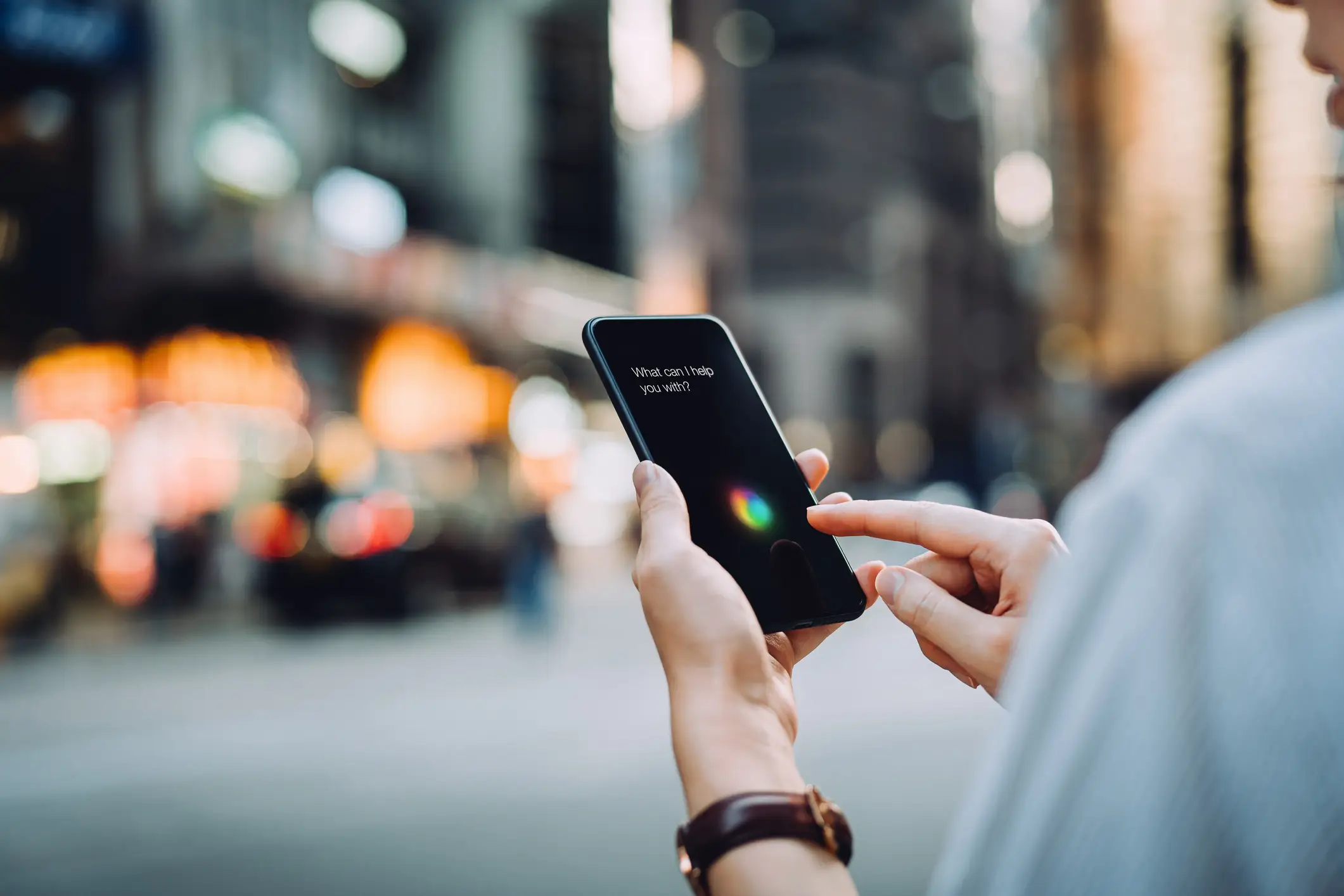
Siri was first launched in October 2011 (D3sign/Getty Images)

You can disable Ask Siri by heading to Settings > Siri > Talk to Siri and tapping Off.

Then, tap to turn off Talk to Siri, and go to Settings > Siri > Talk to Siri and tap to turn off “Press Home for Siri” or “Press Side Button for Siri”.

To turn off Dictation, go to Settings > General > Keyboard, then tap to turn off Enable Dictation.

If you turn off both Ask Siri and Dictation, Apple will delete Siri and Dictation transcripts that are associated with the random identifier, according to the company's website.

Or, you can delete Siri and Dictation transcripts that are associated with a random identifier and kept for six months by going to Settings > Siri > Siri & Dictation History and tapping Delete Siri & Dictation History.

Featured Image Credit: Charday Penn/Oscar Wong/Getty Images

Topics: Apple, Technology, iPhone

Ellie Kemp
Ellie Kemp

Ellie joined UNILAD in 2024, specialising in SEO and trending content. She moved from Reach PLC where she worked as a senior journalist at the UK’s largest regional news title, the Manchester Evening News. She also covered TV and entertainment for national brands including the Mirror, Star and Express. In her spare time, Ellie enjoys watching true crime documentaries and curating the perfect Spotify playlist.

X

@EllieKempOnline

Advert

Advert

Advert

Choose your content:

an hour ago
3 hours ago
21 hours ago
4 days ago
  • Shawn Ryan Show via YouTube
    an hour ago

    'Stranded' NASA astronaut recalls moment he thought he was going to die in space

    Barry Wilmore was stuck in space for a period of nine months before returning to Earth

    Technology
  • Ignatiev/Getty Images
    3 hours ago

    Why NASA can't track every meterorite as agency misses huge blast over Ohio

    It's pretty unsettling stuff...

    Technology
  • Getty Stock Photo
    21 hours ago

    OpenAI warned against creating X-rated 'adult mode' as it could create a ‘sexy suicide coach’

    In January, Chief Executive Sam Altman said the company was considering enabling erotic conversation into ChatGPT

    Technology
  • Getty Stock Images
    4 days ago

    Reason why you're receiving so many scam calls and how you can spot them

    The FTC has detailed some of the red flags to be aware of

    Technology
  • All the Apple products that are now obsolete meaning owners are no longer eligible for support
  • How iPhone users can turn off four of the most controversial features after updating to iOS 26
  • Apple fans in horror after finding out how much new 'iPhone pocket' will cost and what it does
  • Apple issues major security warning to all iPhone users after 'attacks'