unilad homepage
  • News
    • UK News
    • US News
    • World News
    • Crime
    • Health
    • Money
    • Sport
    • Travel
  • Film and TV
    • Netflix
  • Music
  • Tech
  • Features
  • Celebrity
  • Politics
  • Advertise
  • Terms
  • Privacy & Cookies
  • LADbible Group
  • LADbible
  • SPORTbible
  • GAMINGbible
  • Tyla
  • UNILAD Tech
  • FOODbible
  • License Our Content
  • About Us & Contact
  • Jobs
  • Latest
  • Archive
  • Topics A-Z
  • Authors
Facebook
Instagram
X
Threads
TikTok
YouTube
Submit Your Content
How iPhone users can turn off four of the most controversial features after updating to iOS 26

Home> Technology> News

Published 13:52 23 Sep 2025 GMT+1

How iPhone users can turn off four of the most controversial features after updating to iOS 26

Not everyone is loving Apple's new iOS 26...

Niamh Shackleton

Niamh Shackleton

google discoverFollow us on Google Discover
Featured Image Credit: Cheng Xin/Getty Images

Topics: Apple, iPhone, Technology, News

Niamh Shackleton
Niamh Shackleton

Niamh Shackleton is an experienced journalist for UNILAD, specialising in topics including mental health and showbiz, as well as anything Henry Cavill and cat related. She has previously worked for OK! Magazine, Caters and Kennedy.

X

@niamhshackleton

Advert

Advert

Advert

Apple has released yet another unpopular iOS update.

The latest iPhone operating system, iOS 26, became available on September 15 and it seems as if users have regrets about updating their devices.

In fact, people are regretting their choices so much that searches for 'how to downgrade iOS 26 to 18' went up 335 percent, reported Phone Arena.

But, I hate to break it to you folks... there's no way to revert your upgrade and go back to iOS 18. You can, however, turn off specific features you may not like.

Advert

One feature in particular some iPhone users seem to have issue with its the new 'Liquid Glass' effect.

The unique design is 'reflects and refracts its surroundings [like glass] while dynamically transforming to help bring greater focus to content', says Apple.

Luckily, this is one of the things you can turn off.
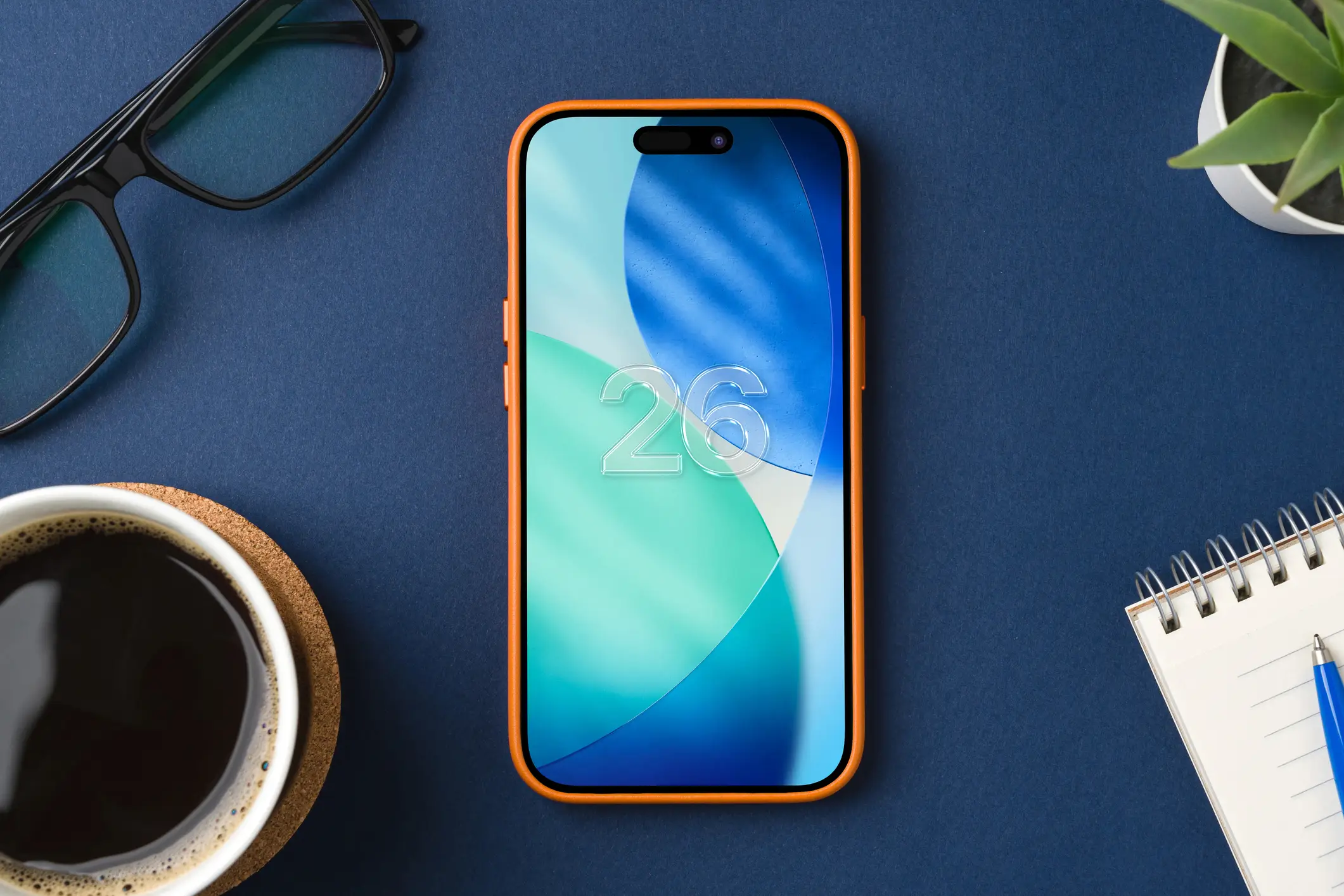
Apple's iOS 26 has been met with mixed reviews (Getty Stock Image)

Liquid Glass

To turn off this feature you simply need to go to 'Accessibility' in settings and then to 'Display and Text'.

While you cannot totally turn off Liquid Glass, you can reduce the transparency.

Call screening

This is arguably one of the less annoying new features, but some people might not want call screening on their phones. With this feature you can have you iPhone ask a caller from an unknown number for more information about themselves and the reason for their call before your device actually rings.

Alternatively, you can choose that unknown numbers be automatically sent to voicemail.

If this isn't your cup of tea and you like the mystery that comes with an unknown number ringing you, you need to go to settings, apps, and then phone. From there go to the 'Screen Unknown Callers' tab and pick the option 'Never' to turn it off.
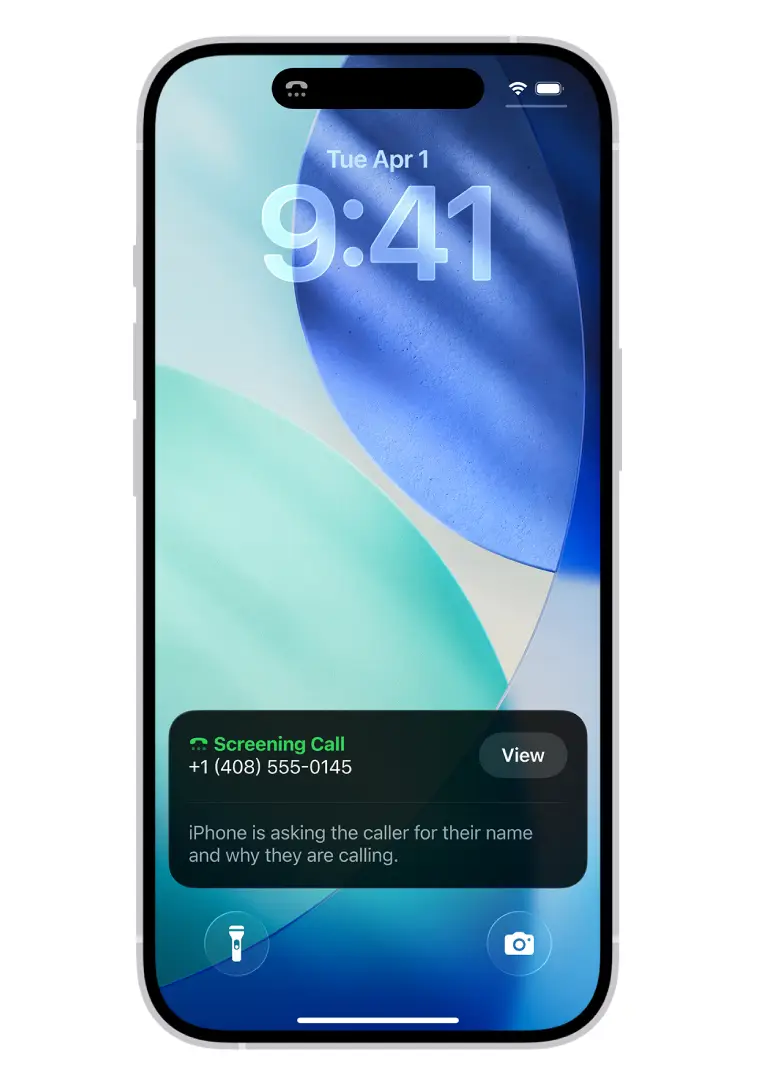
People can screen their calls using iOS 26 (Apple)

Conversation backgrounds

You can now change your iMessage backgrounds to something jazzier than plain white.

However, the background will change for all members of the conversation should one person change it.

If you like the original iMessage look then you can go to settings and under 'Conversation Backgrounds' you can disable the function.

Spatial effect

This new feature adds a 3D effect to your photos and can bring your wallpapers to life.

While some find this particular part of the iOS 26 update to be fun, others prefer a 2D background.

If you're one of the people that aren't in favor of 3D backgrounds, just press your lock screen, then 'Customize' and a hexagon icon will appear that turns the funky feature off, says Indy100.

Choose your content:

14 hours ago
a day ago
  • Photo by NASA via Getty Images
    14 hours ago

    Scientists are tracking astronaut health on Artemis II which could unlock insights

    Reid Wiseman, Victor Glover, Christina Koch, and Jeremy Hansen departed for space on April 1 on board the Orion craft

    Technology
  • Getty Stock
    a day ago

    Neurosurgeon issues warning for wireless earbuds with huge risk most people don't realize

    He says using Bluetooth headphones is the 'stupidest thing you'll ever do'

    Technology
  • Brent Lewin/Bloomberg via Getty Images
    a day ago

    Experts issue warning to all iPhone users over Apple Pay scam that is draining bank accounts

    Reportedly one woman was nearly scammed out of $15,000

    Technology
  • (Photo by Miguel J. Rodriguez CARRILLO / AFP via Getty Images)
    a day ago

    Artemis II astronauts prepare for most dangerous phase of mission yet as NASA warns there is 'no plan B'

    It's the first astronaut mission to the Moon since 1972.

    Technology
  • iPhone users warned to do five things before upgrading to controversial iOS 26
  • All of the iOS 26.4 new features that iPhone users need to know about
  • Experts issue warning to all iPhone users over Apple Pay scam that is draining bank accounts
  • Apple issues major security warning to all iPhone users after 'attacks'