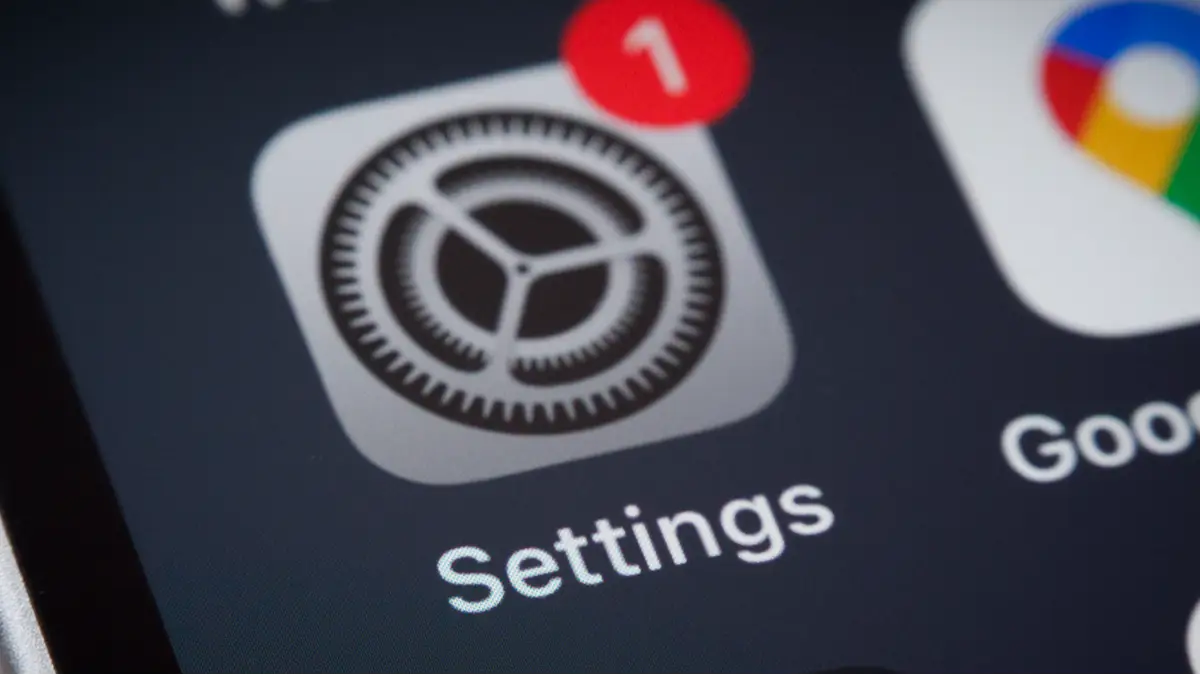
iPhone users warned to do five things before upgrading to controversial iOS 26

The latest edition of Apple’s operating system has arrived, with some users claiming iOS 26 boasts a ‘controversial’ new feature. If you’ve yet to update your iPhone, here’s everything you need to do to prepare for it.
The 19th version of the Apple operating system was released worldwide on Sunday (September 15) for iPhones.
Thousands of tech users have already taken the plunge, and are experiencing the benefits.
iOS 26 highlights
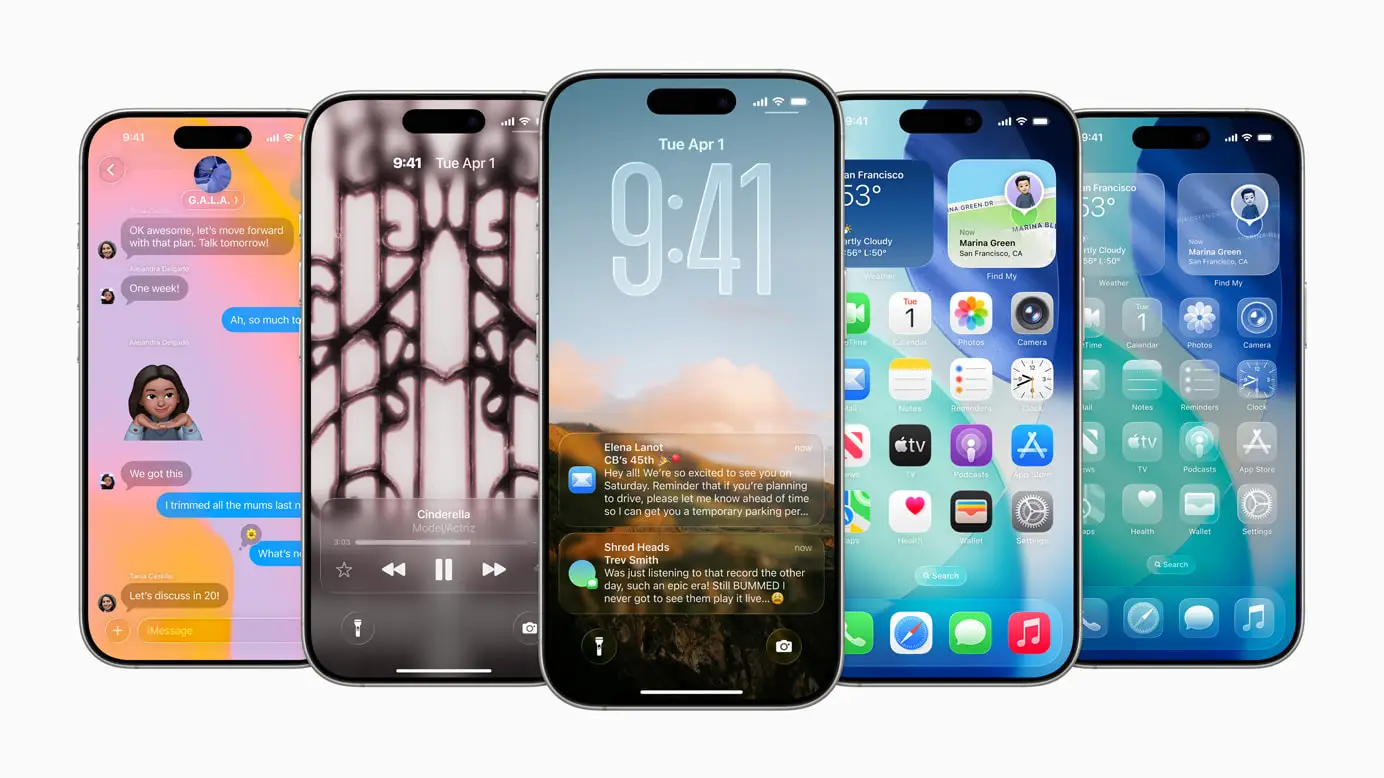
The free software update features a dynamically adaptable lock screen that promises to always keep the subject in view. It also gives users the ability to turn app icons light, dark, or clear, and simplifies design highlights in Photo and Video modes for quicker access.
Other highlights include dynamic messaging backgrounds, map notifications on your preferred routes, and a new Games app where you can keep track of your progress and challenge your friends.
Advert
Updates were also released for the Apple Mac, iPad, TV and Watch - all of which are available to download now.
Why is iOS 26 controversial?
Early iOS 26 users have been complaining about the new ‘Liquid Glass’ aesthetic on their iPhones.
The new look has changed the way app icons appear on your smartphone’s Home Screen, and how notifications pop up. Labels and menus have also been given the virtual glass effect.
The Liquid Glass mode has reportedly caused some controversy online, The Independent has reported.
While some claimed they didn’t like the look aesthetically, other Beta testers alleged the operating system was buggy, causing issues for some of their apps.
How to upgrade your iPhone to iOS 26?
If you want to experience the Liquid Glass-version of the iPhone operating system for yourself, then you just have to go into your phone’s settings and head to the ‘Software Update’ tab.
All iPhones from the iPhone 11 and iPhone SE 2nd Gen onwards can upgrade to iOS 26.
The only iPhones that will not be able to download it are the iPhone XS, XS Max and XR.
If you want to fully utilize the new features, a technology expert from Zdnet has detailed five things you should do before upgrading.
Remove anything you don’t need
It’s time to get rid of the endless screenshots cluttering up your Photo app and to remove the games you played just once. By releasing anything you don’t need, the update is bound to be smoother and will probably be quicker, too.
Plus, decluttering your iPhone could help you save some space in your iCloud Storage, and, therefore, some money.
Update all your apps
If you download iOS 26 without updating all your apps then they could become glitchy and cause major issues, according to Zdnet.
If you don’t have automatic updates on, then just head to your App Store, click on your Profile icon, and scroll down to see any pending updates. Click each one and you’re good to go.
Backup your cellphone data
Once you’ve removed your unwanted photos, documents, and apps, you should backup your cellphone data before pressing ‘upgrade’.
There’s always the chance that something could go wrong, and you don’t want to lose precious images of your pets and your loved ones now, do you?
Charge your battery
You don’t want your phone to die half-way through an update. This is because A) it’s inconvenient and B) it has the potential to cause some serious problems.
Therefore, it’s worth plugging your iPhone in for the duration of the update, or at least have more than 50 percent juice.
In it’s latest support document, Apple has said that your battery may suffer ‘immediately’ after completing an update, particularly a major release like iOS 26.
“You might notice a temporary impact on battery life and thermal performance. This is normal, as your device needs time to complete the setup process in the background, including indexing data and files for search, downloading new assets, and updating apps,” the legislation reads.
Even more reason to plug it in, right?
Make sure your internet connection is live
For fast and reliable updating, make sure you’ve got full internet connectivity. It’s probably best to do this software upgrade at home instead of at your local café.
Wherever you choose, make sure it’s not somewhere where you’re not going to be disconnected every three seconds.
Topics: Apple, Technology, iPhone, World News
 Ella Scott