unilad homepage
  • News
    • UK News
    • US News
    • World News
    • Crime
    • Health
    • Money
    • Sport
    • Travel
  • Film and TV
    • Netflix
  • Music
  • Tech
  • Features
  • Celebrity
  • Politics
  • Advertise
  • Terms
  • Privacy & Cookies
  • LADbible Group
  • LADbible
  • SPORTbible
  • GAMINGbible
  • Tyla
  • UNILAD Tech
  • FOODbible
  • License Our Content
  • About Us & Contact
  • Jobs
  • Latest
  • Archive
  • Topics A-Z
  • Authors
Facebook
Instagram
X
Threads
TikTok
YouTube
Submit Your Content
Urgent warning issued as Apple automatically turns on 'dangerous' iPhone feature to millions

Home> Technology> News

Updated 10:07 31 Jan 2025 GMTPublished 10:05 31 Jan 2025 GMT

Urgent warning issued as Apple automatically turns on 'dangerous' iPhone feature to millions

People have a lot to say about Apple's latest iOS update

Niamh Shackleton

Niamh Shackleton

google discoverFollow us on Google Discover
Featured Image Credit: Getty Stock Image

Topics: Apple, Artificial Intelligence, News, Technology, iPhone

Niamh Shackleton
Niamh Shackleton

Niamh Shackleton is an experienced journalist for UNILAD, specialising in topics including mental health and showbiz, as well as anything Henry Cavill and cat related. She has previously worked for OK! Magazine, Caters and Kennedy.

X

@niamhshackleton

Advert

Advert

Advert

Apple's new update is said to automatically turn on a feature that a lot of users probably don't want.

Apple is forever issuing iOS updates, and so far, iOS 18 hasn't received very good reviews.

Apple iOS 18 response

Released back in September, it wasn't long until iPhone users started airing their grievances about the changes made in the update – one of the most unpopular ones being changes to the Photos app.

iOS 18.1.1 was met with criticism as well, with one person going as fair as labelling it as 'the nastiest piece of operating system'.

Advert

But there's an element to iOS 18 that some people might not be aware of and, while you can't change some of the other unwanted parts of the update, you can simply turn this feature off.

The potentially 'dangerous' feature in question is that Apple's artificial intelligence (AI) now automatically turns itself on.

What does Apple Intelligence do?

As per the Apple website, its AI (which was first launched last year) is a 'personal intelligence system for iPhone, iPad, and Mac that combines the power of generative models with personal context to deliver intelligence that’s incredibly useful and relevant'.

It adds that Apple Intelligence is 'deeply integrated into iOS 18, iPadOS 18, and macOS Sequoia'.

What the experts have said about Apple Intelligence
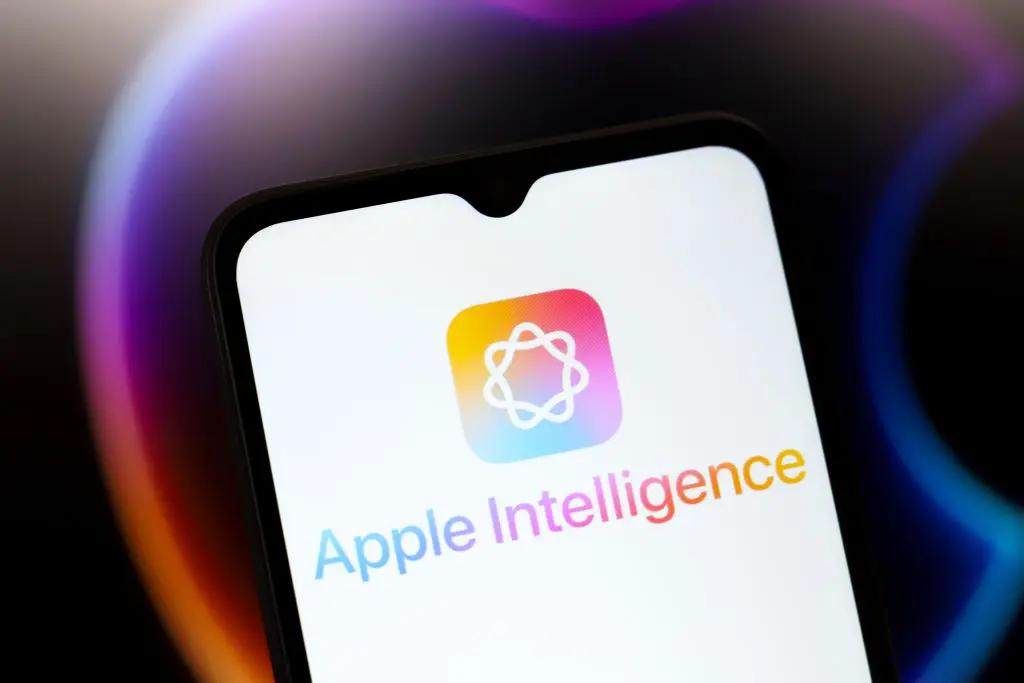
Some people have expressed concerns about Apple Intelligence (Jaque Silva/NurPhoto via Getty Images)

Chip Hallett, author of The Ultimate Privacy Playbook, has previously warned that the new AI system comes with security risks, as it can access to some of your private data.

According to the tech expert, because Apple Intelligence embeds into the operating system, it allows it to pull information from apps and perform actions within them.

Elsewhere, the information given by Apple Intelligence hasn't always been accurate. For example, BBC News has complained about the feature as it wrongly summarized one of the news outlet's stories that said that Luigi Mangione, the man accused of killing UnitedHealthcare CEO Brian Thompson, had shot himself.

Apple Intelligence incorrectly summarized a BBC News story last month (BBC)

Jonathan Bright, head of AI for public services at the Alan Turing Institute, said that misinformation like this is a 'real concern'.

Petros Iosifidis, a professor in media policy at City University in London, echoed similar sentiments saying that while Apple's AI could have it's advantages, 'the technology is not there yet and there is a real danger of spreading disinformation'.

How to turn off Apple Intelligence

Fortunately, switching the feature off is pretty straightforward.

Firstly you need to open the Settings app, scroll down and select Apple Intelligence & Siri.

Then, toggle off Apple Intelligence and confirm 'Turn Off Apple Intelligence' when prompted.

Choose your content:

10 hours ago
14 hours ago
a day ago
3 days ago
  • Gabby Jones/Bloomberg via Getty Images
    10 hours ago

    ChatGPT down for thousands as users report issues

    ChatGPT is just one of a number of AI platforms that has had issues reported

    Technology
  • Manuel Mazzanti/NurPhoto via Getty Images
    14 hours ago

    Artemis II astronaut shares stunning view of Earth you've never seen before

    The Artemis II crew landed from the mission on April 11

    Technology
  • Getty Stock Images
    a day ago

    Tesla owners are showing the reality of owning electric car as they share their average monthly bills

    Turns out there's a handy calculator for you to find out how much you could be spending (and saving)

    Technology
  • Anna Barclay/Getty Images
    3 days ago

    iPhone users warned to change specific setting when using public chargers

    Using public chargers can be risky

    Technology
  • Experts issue warning to all iPhone users over Apple Pay scam that is draining bank accounts
  • Apple issues urgent warning to all iPhone users over emergency security update after targeted attack
  • Apple issues major security warning to all iPhone users after 'attacks'
  • Footage of futuristic 'robot' phone with AI 'super brain' arrives in time to rival iPhone 7e announcement