People are just realizing what the three little dots on your iPhone really mean

There's a feature on iPhones that has gone unnoticed for years and it actually serves an important purpose.
Smartphones and by extension, iPhones, have become an integral part of modern life. But unless you're a real tech-head, chances are you really don’t know all the things that the supercomputer in your pocket can do.
As long as you can get to social media, the wider internet, make texts and calls then that is all you really need.
Advert
But this feature by Apple can help put your mind at ease if you have security concerns.
Since it's the modern world and you are bombarded with adverts, sometimes it really does feel like your phone is listening in and then tailoring specific ads to you as a result.
Now while that isn’t always the case, there's a way to tell when your phone has a cheeky ear up to your conversation - and even when your camera is being used - and it comes in the form of three little dots.
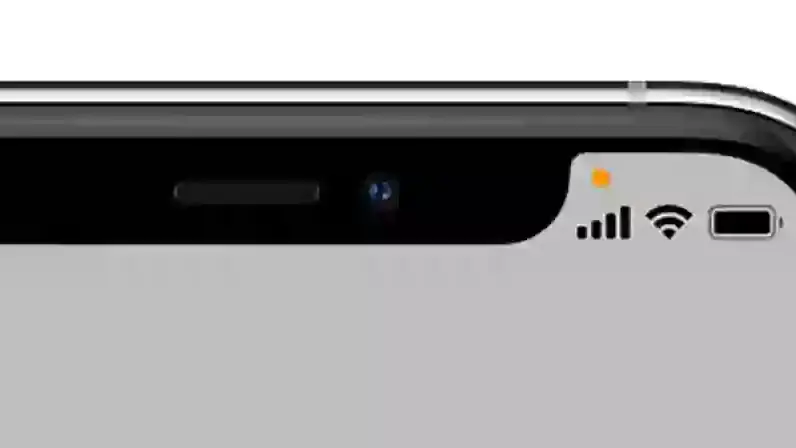
The orange and green dots appear in the top right area of your screen, above your signal, wifi and battery indicators. But what do they mean?
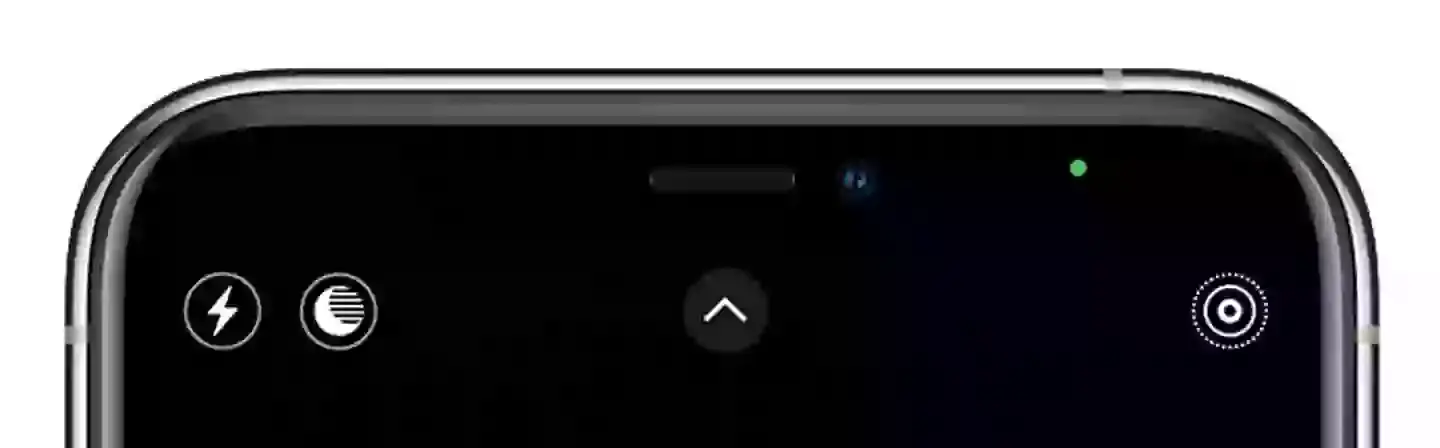
Well, Apple's website explains: "With iOS 14 or later, an orange dot, an orange square or a green dot indicates when the microphone or camera is being used by an app.
"An orange indicator means the microphone is being used by an app on your iPhone. This indicator appears as an orange square if the Differentiate Without Colour setting is on. To enable Differentiate Without Colour, go to Settings > Accessibility > Display & Text Size.
"A green indicator means either the camera or the camera and the microphone are being used by an app on your iPhone."
The final dot is blue with a right arrow inside.
"A blue arrow may appear when the app you’re using requests your location," Apple states.
According to The Stem Support, the dot indicators appear through a computer programme written by Apple called Application Programming Interface.
"This means a visual indicator will appear no matter if your app is telling you it's using your microphone or not," the outlet notes.
It's all very well and good to be aware you're being spied on, but how do you find out which app is guilty of using your microphone and/or camera?
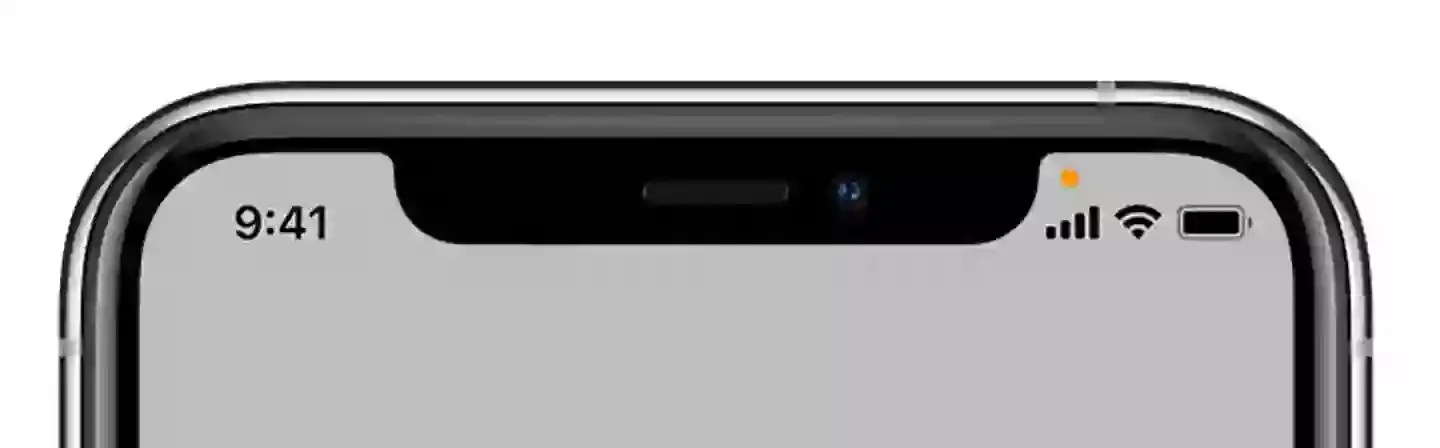
If you swipe down, bringing up the Control Centre, you should be able to see.
Phone users have flocked to social media in appreciation of the privacy hack.
One Twitter user said: "This talks more than anything about how apple takes care of privacy. This dot indicates when an app is using a microphone or a camera. Just superb."
However, another user questioned: "Why? I have no apps that have requested use of microphone!"
A third replied: "I feel like they added the dots to let the users know that they can feel safe. If Apple hadn’t added the dots, we would never know that our microphone/camera is on. Every app has a privacy option in the settings."
A final iPhone user resolved: "The best and most underrated iOS 14 feature is the Orange, Green dots indicators and Copy-Paste indicator."
Topics: Phones, iPhone, Technology, Apple
 Gerrard Kaonga