You Can Now Unlock An iPhone While Wearing A Mask

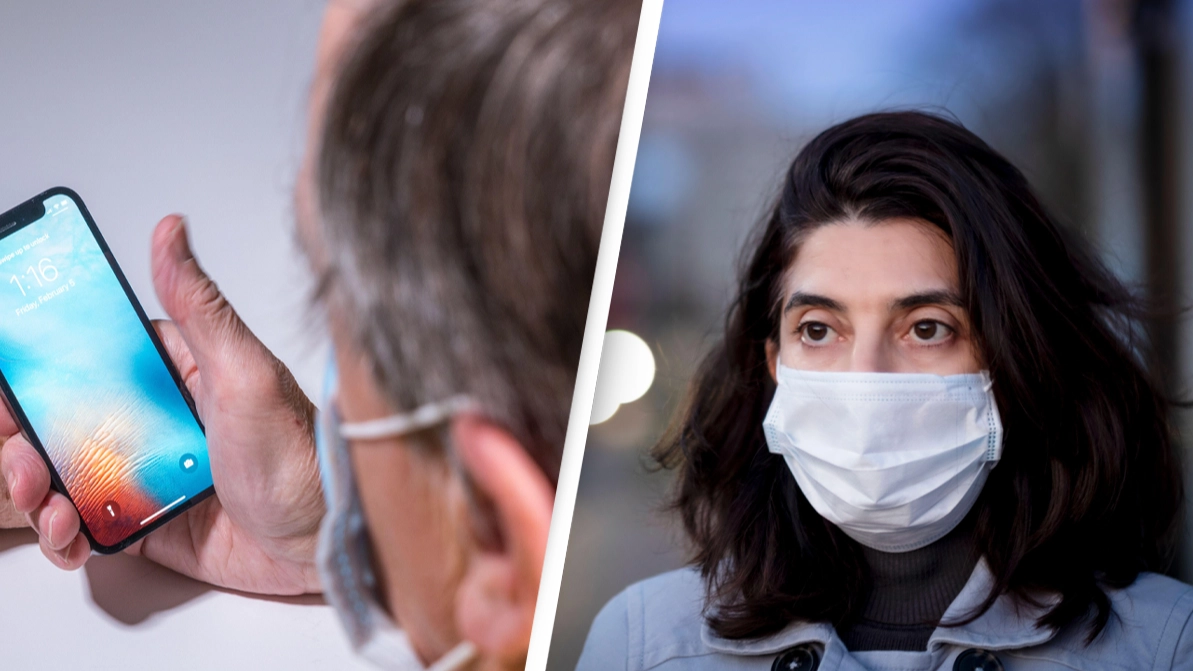
Apple released its latest iPhone software update iOS 15.4 this week, which includes being able to unlock your device while wearing a mask.
Many countries have pretty much seen the back of the pandemic, with self-isolation scrapped and mask-wearing no longer compulsory in some, but better late than never?
The software update, IOS 15.4, and also iPadOS 15.4, not only allow you to unlock your device using Face ID with your mask on, but contain other edits in relation to security and a series of other exciting features.
If you have an iPhone 12 or newer, you will be able to open your phone with Face ID without having to pull down or completely remove your mask, The Washington Post reports.
However, in order to be able to do so, after installing the new update, you have to reconfigure your face in Face ID. This allows the phone's camera to concentrate more on your eyes and the upper part of your face.
Advert
On its website, Apple stated: 'With iOS 15.4, you can use Face ID while wearing a mask. Easily unlock your iPhone, use Apple Pay, and authorise apps and passwords. Even when your mouth and nose are covered, your iPhone can now recognise you by analysing the unique characteristics around your eyes.'
As well as being able to unlock your phone with half your face concealed, another feature called Universal Control is also now available.
Universal Control lets you sit with your Mac but interact with your iPad too if it's located nearby.
Siri's voice has also been given a makeover, with it recorded by an anonymous member of the LGBTQ+ community, with Apple having stated its intentions to make Siri 'genderless,' The Independent reports.
In a bid to provide 'new experiences' but also 'true connections' Apple also explained that it was 'introducing SharePlay'.
'With SharePlay, you can watch together, listen together and share your screen within FaceTime. FaceTime calls also sound and feel more natural. And Messages makes it even easier to find and enjoy the great content shared from friends and family,' it stated.
You can share you screen within your FaceTime call, there is now 'spatial audio' which sees voices sound like the 'they're coming from the direction in which each person is positioned on your screen,' with 'grid view' mirroring the style of Zoom calls, with users being able to see members of their FaceTime call in 'tiles of the same size'.
If, like me, you are addicted to your phone, you can also help choose from a list of 'Focus options' to 'get work done while you're in the zone or enjoy a distraction-free dinner'.
And if that wasn't enough already, then you will have a whole new set of emojis and 'Memojis' to play around with too.
Updates have also been made to the Wallet app, Live Text, Visual Look Up, Photos, and Health. Bug fixes have been made and there are a whole set of other features to be discovered too.
Fear not if you think you may miss out if your device isn't the latest of Apple's releases, the software is compatible with phones as old as the iPhone 6s and iPad models dating from 2014.
If you have a story you want to tell, send it to UNILAD via [email protected]
Topics: Coronavirus, iPhone, Technology
 Poppy Bilderbeck