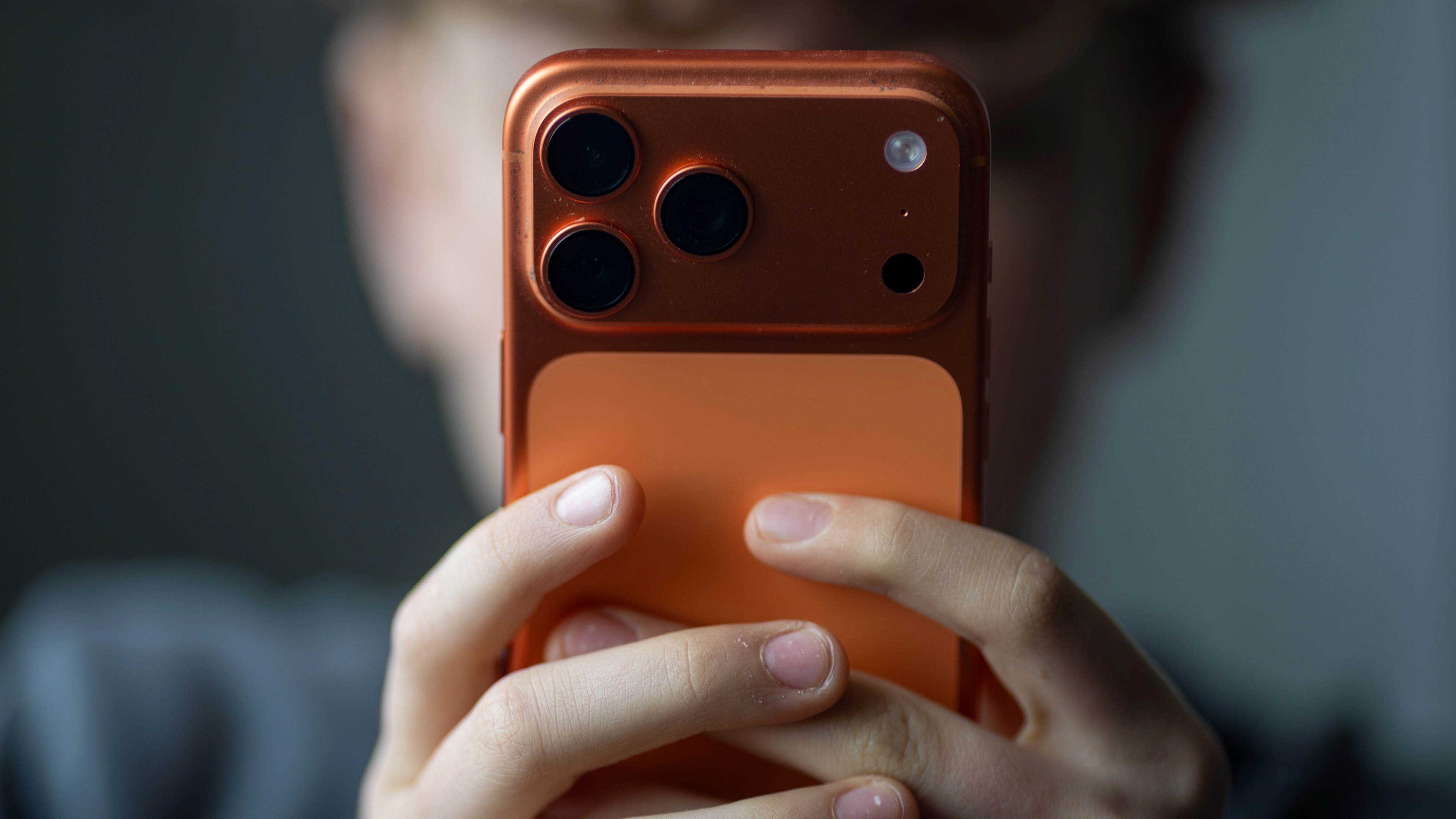
iPhone users warned to change specific setting when using public chargers

An iPhone user has shared an important setting on the device to utilize if you find yourself in need of a public phone charger.
Our phones are now more central to our lives than ever before.
The little rectangles can perform more or less every important function that's key to our lives, whether it's messaging, social media, reading, watching videos, household bills, banking, and even turning the lights on if you have a smart home.
All this to say that if one device can do so much in your life, keeping that device safe is pretty important.
Advert
Protective cases are one thing, but cyber security is a whole other level, because if someone can get access to your phone they'll likely be able to see a lot more than just the embarrassing texts you sent at 2am.
And while public chargers are helpful in keeping our phones juiced up, they can also be a way in to our technology.
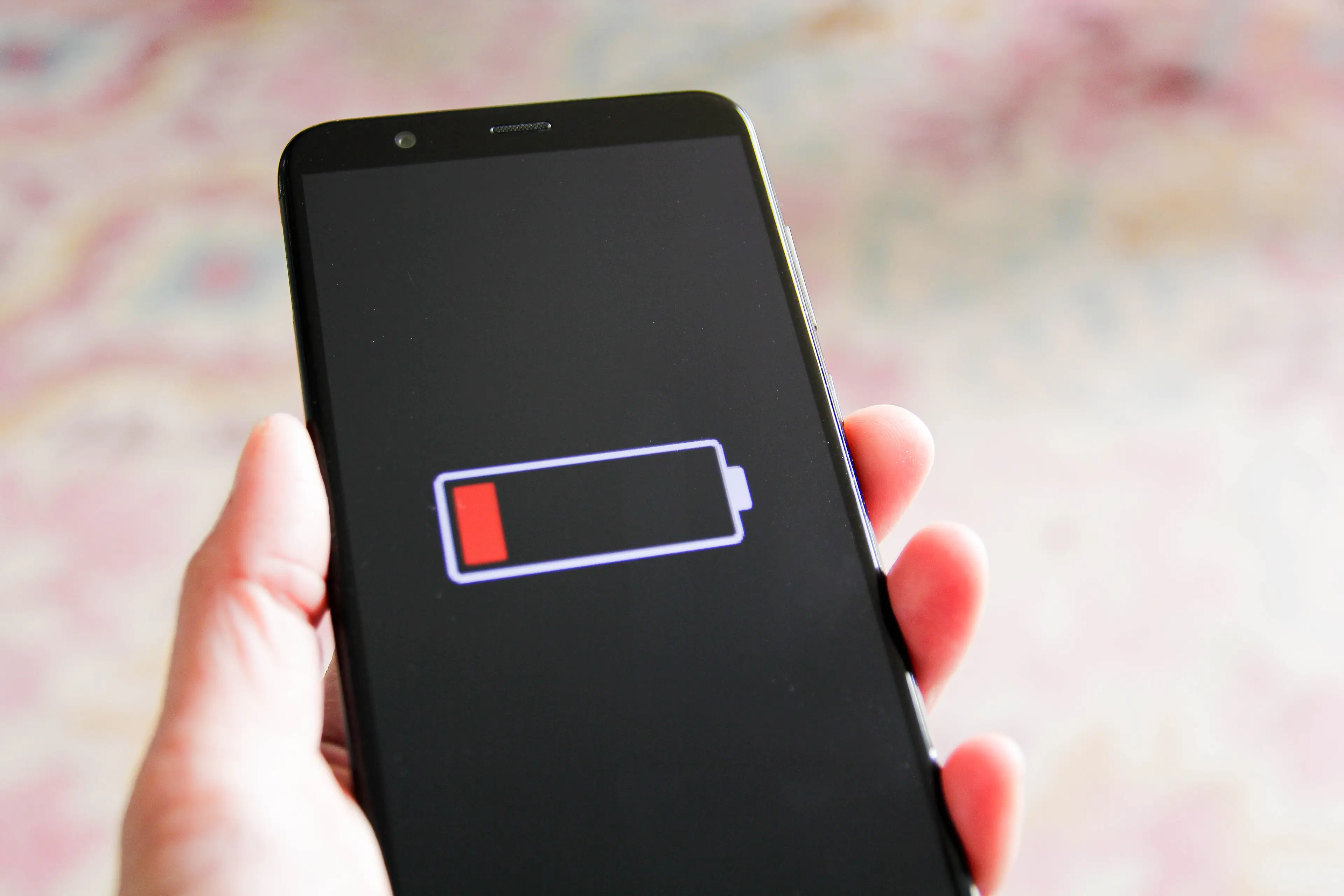
Many cables now are not just there for charging, they're also capable of transferring data, and that means that plugging into a random socket in a train station or airport could result in your phone receiving more than just a full battery.
This method of cyberattack even has a name - 'juice jacking', because it accesses the device via the charging jack.
A Reddit user ended up worried about this after charging their phone in a hotel, and shared a setting on the device to help get around it.
They wrote: "The next day, I was super paranoid and decided to check my security settings.
"I had the default setting, which allows USB accessory connection when phone is unlocked.
"When I changed it to 'always ask' and plugged the phone back for a test, I got a message asking me if I want to connect to this USB accessory.
"So, basically I unknowingly allowed my phone to connect to this device overnight the day before."

To take advantage of this safe setting yourself, open up the Settings app and scroll down to Privacy & Security, then to 'Wired Accessories'. Check whether your phone is on the default setting, which says 'Automatically Allow When Unlocked', and change it to 'Ask For New Accessories'.
'Juice jacking' is theoretically possible and has been demonstrated in controlled settings, but at present no examples of it have been confirmed.
Nonetheless, if you are the cautious type then there are some measures other than this iPhone setting which you can take for your peace of mind.
One is use a cable which is for charging only, meaning that the cable itself can only transfer power and not data.
You can also make sure that you're plugging only into a mains power outlet and not into a USB outlet.
Alternatively, you can use a power bank when out and about to make sure that you're not caught short with your phone battery, and don't have to rely on a public charger.
Topics: News, US News, iPhone, Phones, Technology
 Kit Roberts