The student tool that’s making university more manageable


With the university year slowly wrapping up and a long summer ahead, most students will be recovering from exams while telling themselves they’ll be more organised next year, all while ignoring their inbox at the same time. Yep, it’s that time of year where you swear things will be different next term – last-minute panic and fewer 2am “why did I leave this until now?” moments.
Because let’s be honest, staying on top of lectures, notes, coursework and exam prep isn’t exactly easy, and most of the time, it feels like you’re juggling about five different apps, three group chats and one very questionable sleep schedule just to keep up.
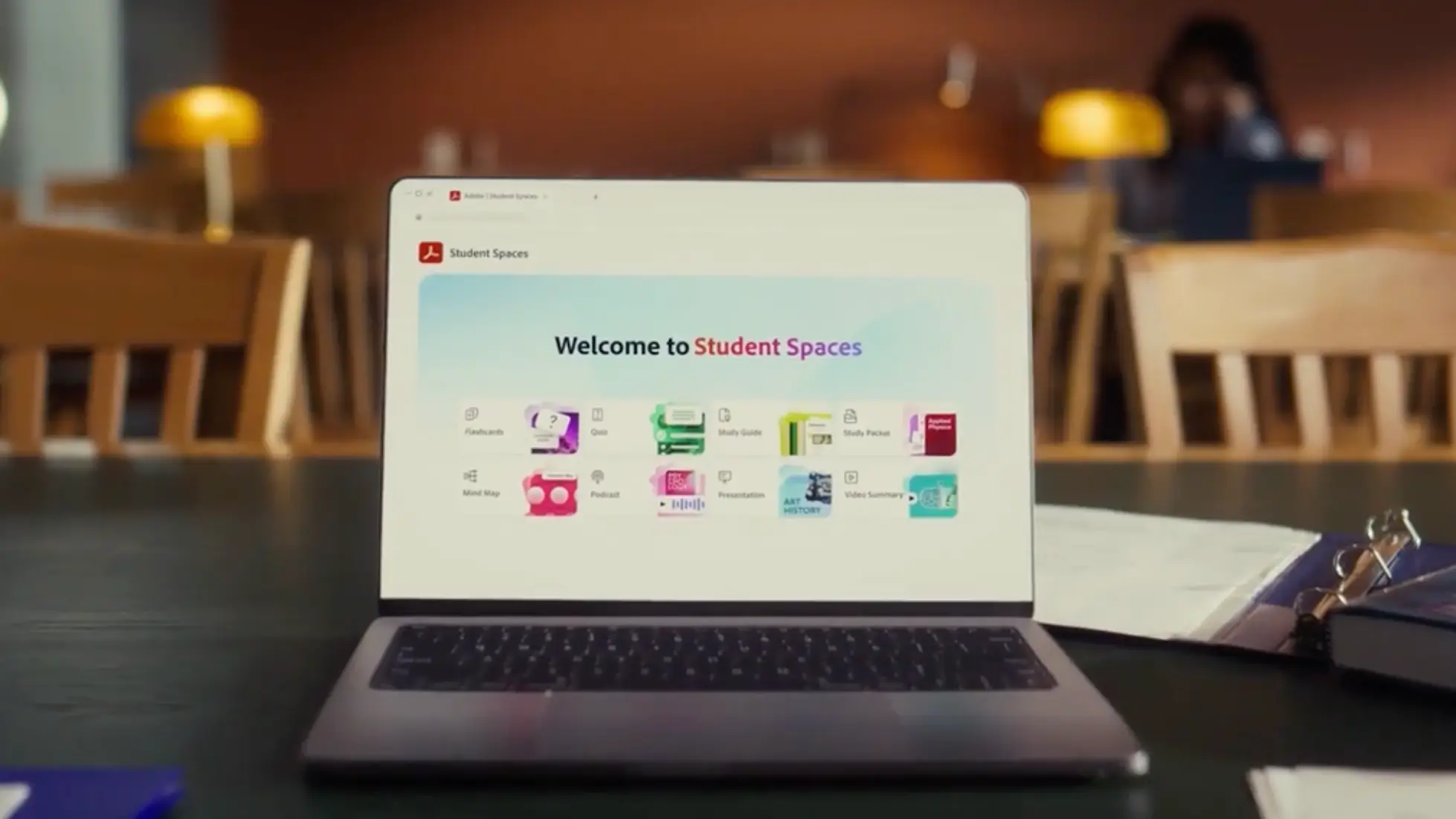
If that sounds like you, then we have some news we think you will like. AI is quickly changing how students study, moving away from static tools and into something a bit more helpful, and at the heart of this is Adobe’s Student Spaces in Acrobat - a new (and free) platform, currently in beta, designed to make student life a whole lot easier.
Built with input from over 500 student testers (from places like Harvard, Berkeley and beyond), it’s basically an all-in-one study hub, helping you organise notes, prep for exams, collaborate on group projects and even create presentations complete with 24/7 AI tutor, instant audio summaries, mind maps, flashcards, quizzes…you name it, you got it.
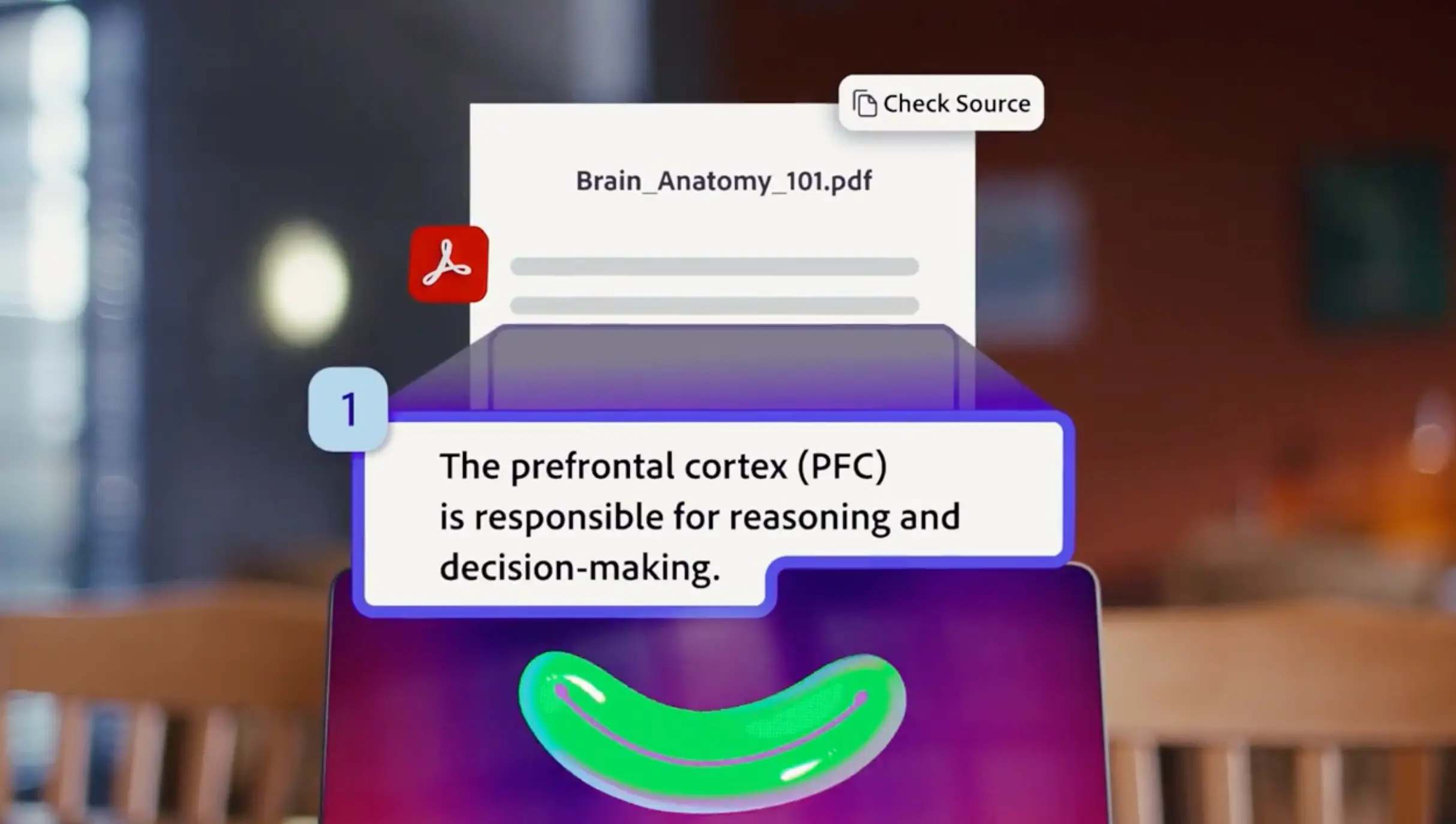
Oh, and the best bit? Everything it gives you is grounded in your own course materials, with citations, so you can actually trust what you’re looking at. What more could you ask for?

How students are actually using Student Spaces in Acrobat IRL
AI Assistant
We all know the feeling - it’s midnight and you’ve got a 40-page document to read, but your brain has already clocked out. Instead of powering through, you can just ask Student Spaces to break it down into the key points you actually need for your 9am seminar. Same content, way less stress.
Flashcards and quizzes
Making flashcards always sounds like a productive idea until you realise you’ve spent two hours colour-coding them and learned absolutely nothing. With Student Spaces, you can upload your docs, notes and links, and it can turn them into flashcards, study guides, mind maps, quizzes and more. Basically, it takes the chaos of your course materials and turns it into something you can actually revise from.
Presentations
Staring at a blank slide deck is one of the fastest ways to forget everything you’ve ever learned. Student Spaces can help generate fully editable outlines and polished presentations powered by Adobe Express, giving you a solid starting point instead of a title slide and pure panic. You can tweak, edit and make it your own - but at least the hardest part is already done.
AI Tutor
There’s always one concept that makes sense in the lecture and then completely vanishes the second you try to revise it alone. Student Spaces’ AI tutor can help break down tricky topics, answer questions and point you back to the source with citations, so you can check where the answer came from instead of just blindly hoping it’s right.
Here’s how one student is using Student Spaces
For 19-year-old student Margaux, who studies Professional Dance and Musical Theatre at the University of Greenwich, Student Spaces has the potential to completely transform the way she studies. “I’ve loved trying Student Spaces because it transforms the information you need to know into a way that works for you, optimising study time and eliminating the stress of not understanding something,” she explains. “It’s so quick to upload class materials so you get a range of study tools customised to you and your learning style.”
She’s particularly fond of the AI-powered flashcards because, instead of spending ages making them manually, she can upload her notes and course materials and have them turned into flashcards automatically. As she puts it: “It can easily transfer your notes and course materials in a way that makes sense to you.”
She’s also a big fan of the podcast learning tool - especially as someone who prefers learning on the go. “I rarely have enough time to sit down and study, so this is definitely one of my favourite features,” she says. “Being an audible learner, this is really helpful for me as I can listen whilst I walk, do my washing up, or anything else that comes with the student life. The way that the podcasts are created makes learning feel much more conversational and less of a chore. Student Spaces will allow me to study more efficiently whilst still having time to fit everything into my busy schedule.”
How to use Student Spaces in Acrobat
Getting started is pretty straightforward. Simply:
· Head to the Student Spaces website.
· Click ‘Get started’.
· Drag and drop your files, or type in what you want to study.
· Click ‘Create student space’ to organise your docs.
· Or explore curated Student Spaces already set up for you.
At the end of the day, this isn’t about completely reinventing how you study - it’s about making things a bit easier, faster, and a lot less stressful. So, when next term rolls around and you’re telling yourself this year will be different, this might actually be the tool that helps you stick to it.
 Naomi Chadderton