unilad homepage
  • News
    • UK News
    • US News
    • World News
    • Crime
    • Health
    • Money
    • Sport
    • Travel
  • Film and TV
    • Netflix
  • Music
  • Tech
  • Features
  • Celebrity
  • Politics
  • Advertise
  • Terms
  • Privacy & Cookies
  • LADbible Group
  • LADbible
  • SPORTbible
  • GAMINGbible
  • Tyla
  • UNILAD Tech
  • FOODbible
  • License Our Content
  • About Us & Contact
  • Jobs
  • Latest
  • Archive
  • Topics A-Z
  • Authors
Facebook
Instagram
X
Threads
TikTok
YouTube
Submit Your Content
Apple confirms swiping apps closed causes your iPhone to slow down and lose battery life

Home> Technology> News

Updated 10:34 19 Apr 2024 GMT+1Published 11:50 18 Oct 2023 GMT+1

Apple confirms swiping apps closed causes your iPhone to slow down and lose battery life

Forcing apps to close can have a greater impact than leaving them 'open' in the background

Emily Brown

Emily Brown

google discoverFollow us on Google Discover
Featured Image Credit: Anita Kot/Getty / Lorenzo Di Cola/NurPhoto via Getty Images

Topics: Technology, Apple, iPhone

Emily Brown
Emily Brown

Emily Brown is UNILAD Editorial Lead at LADbible Group. She first began delivering news when she was just 11 years old - with a paper route - before graduating with a BA Hons in English Language in the Media from Lancaster University. Emily joined UNILAD in 2018 to cover breaking news, trending stories and longer form features. She went on to become Community Desk Lead, commissioning and writing human interest stories from across the globe, before moving to the role of Editorial Lead. Emily now works alongside the UNILAD Editor to ensure the page delivers accurate, interesting and high quality content.

Advert

Advert

Advert

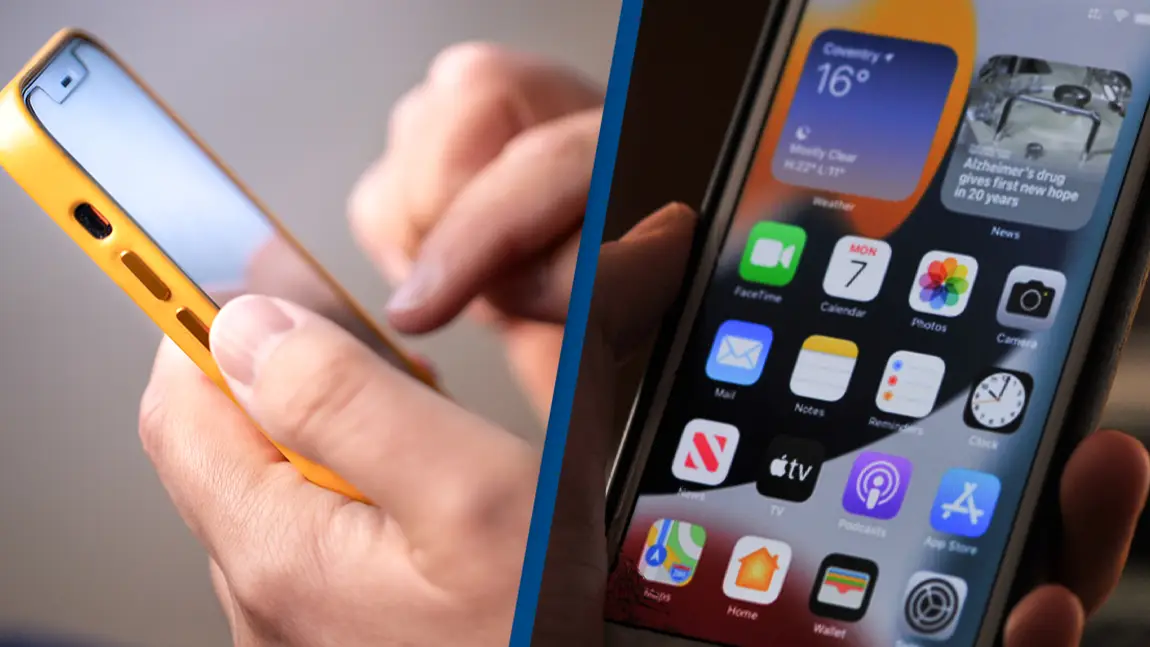
Apple has explained that swiping apps closed on your iPhone actually isn't good for your device - even if it seems like a logical move to save battery.

It just seems to make sense, right? If you have less apps open, surely your device won't have to juggle as much at once?

With that in mind, it's not surprising that many of us frequently swipe up on the screen and flick those apps into the abyss, convinced that we're about to see a big payoff in the battery department.

Advert

While that might make sense for those of us who get overwhelmed and quickly worn out by trying to think about too many things at the same time, Apple has explained that's not how it works with iPhones.

Even though you can quickly jump back and forth between apps when you keep them 'open', all the apps you think you have running in the background aren't actually as active as you might think.

On its discussions forum, Apple explains: "When your recently used apps appear, the apps aren’t open, but they're in standby mode to help you navigate and multitask."
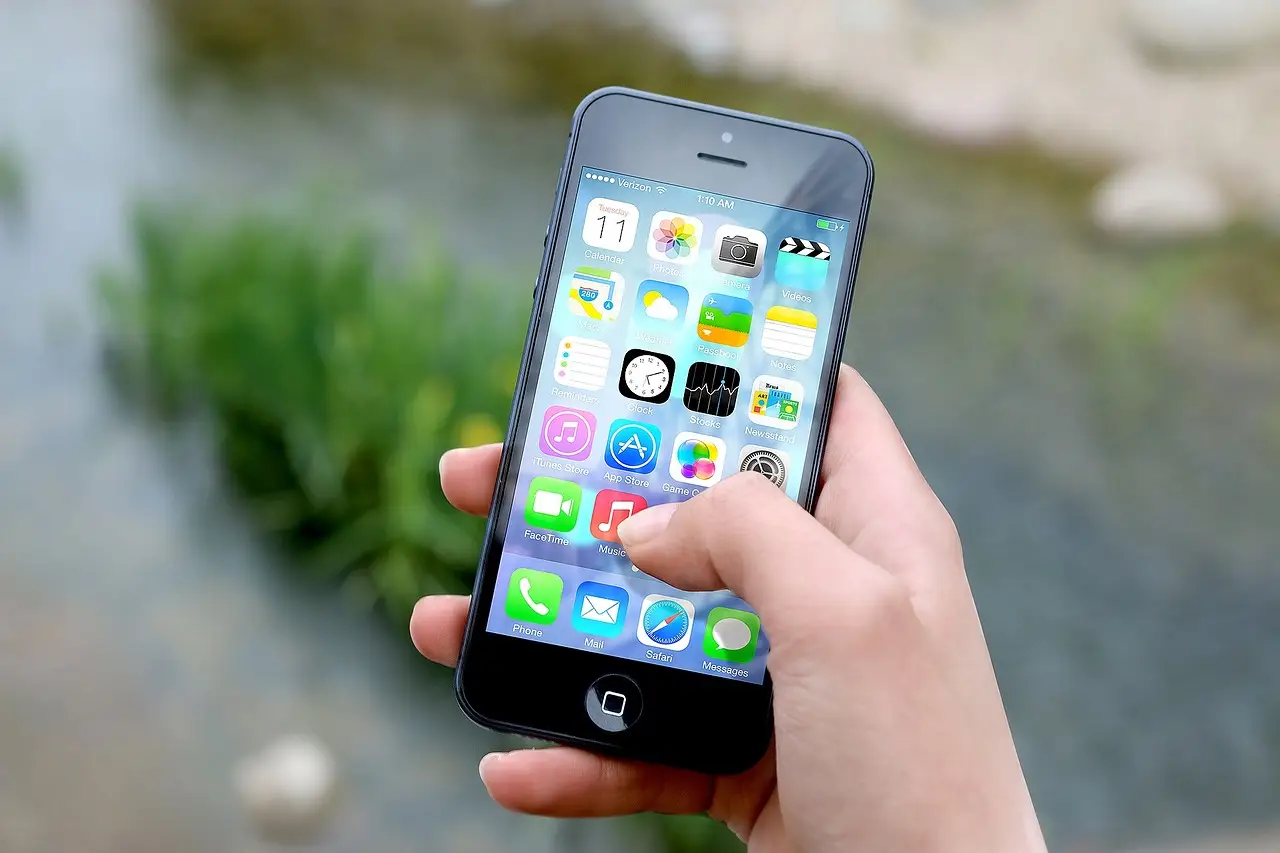
Having dozens of apps open isn't as bad as you might think.
JESHOOTS-com/Pixabay

Some apps you've recently come out of will run 'for a short period of time', but as soon as they fall into that suspended state, they aren't 'actively in use, open or taking up system resources'.

Aka, they're not draining the battery, and closing them won't keep your phone alive for longer.

In fact, force-closing the apps can be detrimental, as Apple adds: "You should force an app to close only if it’s unresponsive."

John Gruber, a gadget-focused journalist, offered further insight on the blog Daring Fireball into why closing apps can actually be bad for your battery.
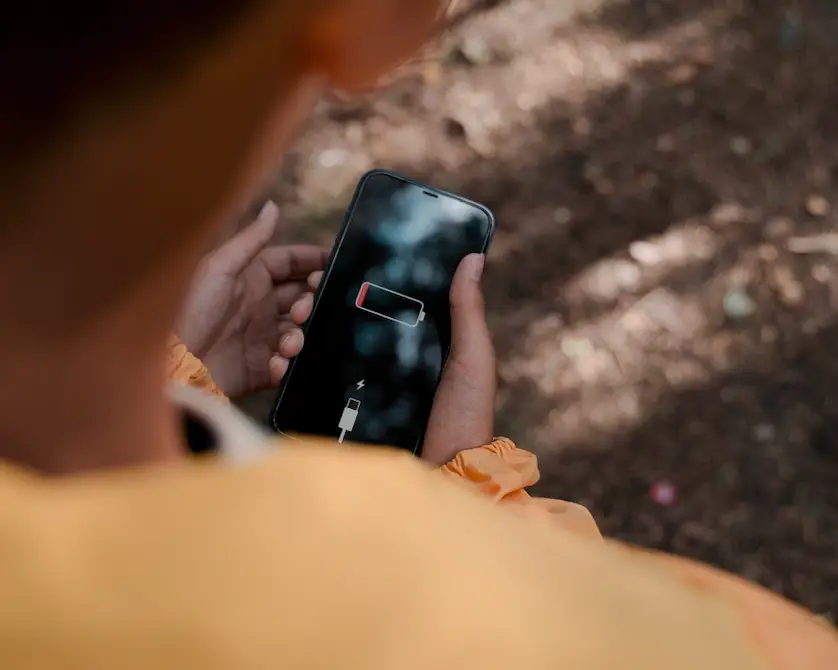
Closing apps can have a greater impact than leaving them open.
Ron Lach/Pexels

Gruber explained: "Apps in the background are effectively 'frozen', severely limiting what they can do in the background and freeing up the RAM they were using. iOS is really, really good at this.

"It is so good at this that unfreezing a frozen app takes up way less CPU (and energy) than relaunching an app that had been force quit.

"Not only does force quitting your apps not help, it actually hurts. Your battery life will be worse and it will take much longer to switch apps if you force quit apps in the background."

If you've been left horrified at the revelation that closing apps can be bad for your battery, then don't worry, because Apple has shared some other tips on how to make the most out of your iPhone.

To maximize battery life, the company recommends updating to the latest software, lowering your brightness, making use of Low Power Mode and turning off Location Services.

So there you have it - no more time wasted flicking away the apps; you can spent it scrolling, instead!

Choose your content:

4 hours ago
5 hours ago
4 days ago
  • Getty Stock
    4 hours ago

    Expert shares the three jobs that AI can't replace

    With the world on the brink of a total technological revolution, many jobs will not be safe from the upheaval of artificial intelligence

    Technology
  • Jakub Porzycki/NurPhoto via Getty Images
    5 hours ago

    iPhone users warned to delete concerning iCloud email that puts them at risk

    Scammers targeting Apple's 1.8 billion users are tricking people with a particularly real-looking email about their iCloud account

    Technology
  • Photo by NASA via Getty Images
    4 days ago

    Scientists are tracking astronaut health on Artemis II which could unlock insights

    Reid Wiseman, Victor Glover, Christina Koch, and Jeremy Hansen departed for space on April 1 on board the Orion craft

    Technology
  • Getty Stock
    4 days ago

    Neurosurgeon issues warning for wireless earbuds with huge risk most people don't realize

    He says using Bluetooth headphones is the 'stupidest thing you'll ever do'

    Technology
  • Experts issue warning to all iPhone users over Apple Pay scam that is draining bank accounts
  • Apple employee reveals surprising reason why you shouldn't close apps on your iPhone
  • Surprising iPhone trick not many people know can make your battery last much longer
  • Apple issues major security warning to all iPhone users after 'attacks'