Urgent warning to nearly 2 billion iPhone users over calendar scam you shouldn't click

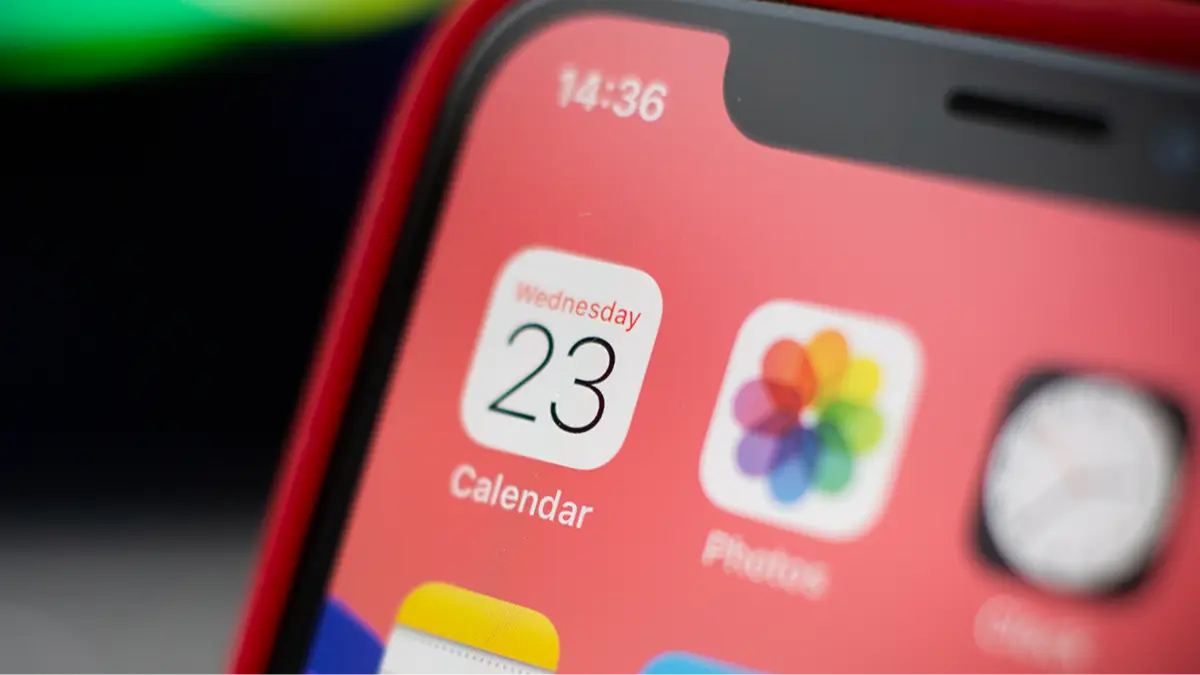
All iPhone users are being warned about a subtle new scam that is basically impossible to avoid and could see your calendar app taken over by hackers trying to access your private information.
Cybersecurity experts have noticed this trend increasing in use among online scammers, which involves sending a number of bogus invites to your iPhone's in-built calendar app. Importantly, unlike your email, there is no way to filter out spam calendar invites.
In fact, these spam invites sit in your Apple calendar with the intent to scare and intimidate people into handing over information that could grant hackers access to your device, or worse, your bank account.
Often, scammers will use the calendar invite to imply that you have made an expensive purchase recently, or that your phone security has been compromised, in the hopes that users will panic and click on their phishing link to challenge the payment.
Advert
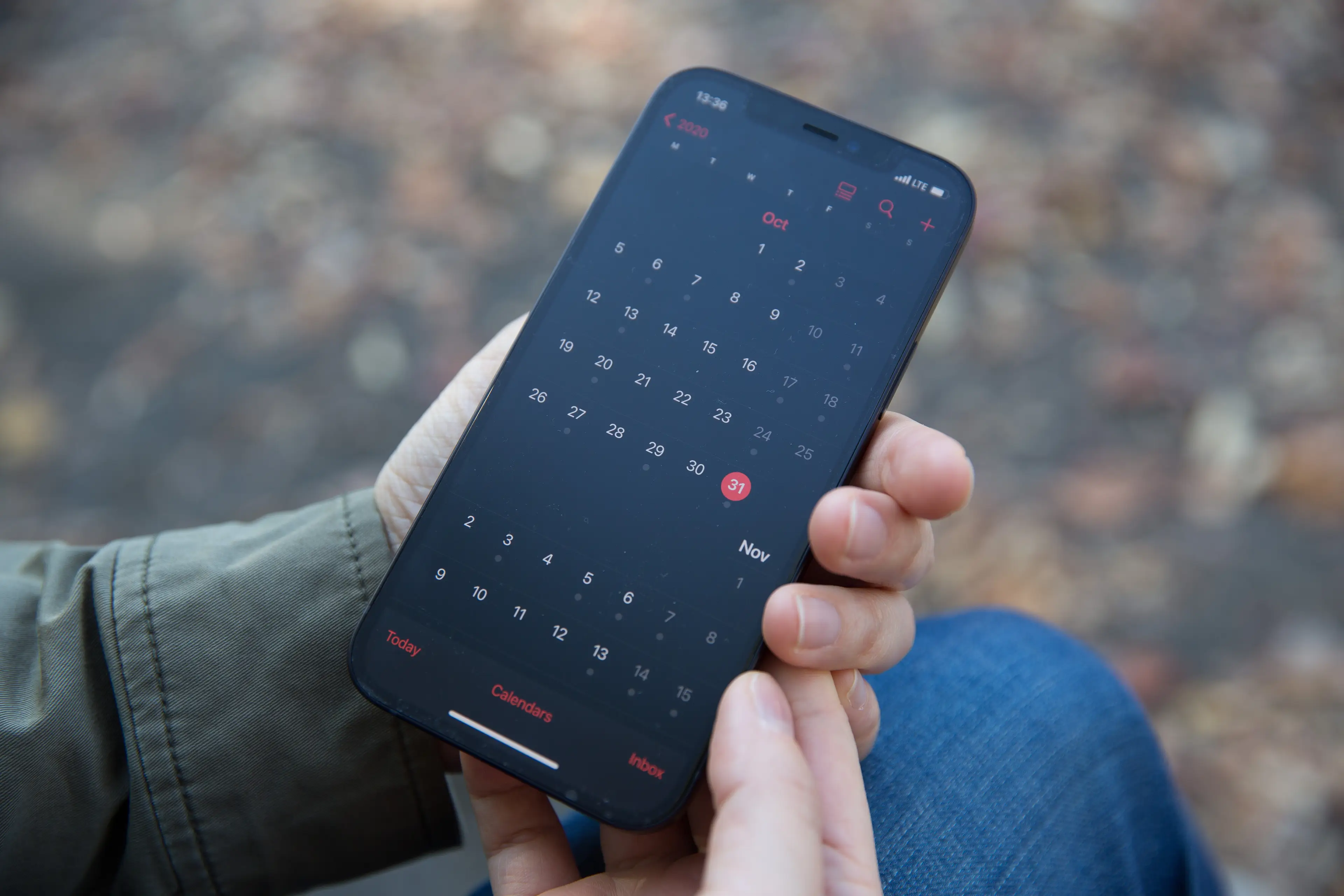
Due to the simplicity of this scam, experts in cyber warfare are urging the 2 billion people who use iPhones to not click on these mysterious calendar invites, or their links. In general, it is always good security practice to avoid clicking on unknown or suspicious website addresses or links.
The New York Post has reported that, in part, the success of this dangerous scam operation is because these calendar invites do not have to pass through Apple's famously stringent security protocols.
But as these calendar notifications will often appear official, unlike more traditional 'Nigerian prince' email phishing scams, with invoice order references and other information that could trick you into clicking on a link.
How people are targeted by this scam is less clear, with some experts claiming that something as innocuous as clicking on a pop up when using your iPhone could leave you vulnerable to calendar spam.

This likely works by sneakily adding a separate spam-filled calendar to your regular calendar once you have clicked on a dodgy link, something that is hard for ordinary users to even notice.
Responding to questions from iPhone users who have been flooded with calendar invites, power users on an Apple subreddit explained how to get rid of these dangerous notifications.
They advised: "Rule of thumb is common sense. If they're using calendar events to communicate with you, they certainly did not hack into your device."
Other experts warned that users affected by this scam need to be more careful in the future, adding: "You need to go into your Calendar subscriptions and remove any that you do not recognize as having subscribed to and then be more careful in opening emails going forward."
Apple's advice on getting rid of these dangerous nuisance calendar invites is as follows
How to remove calendar spam on your iPhone in iOS 14.6 or later
- Open the Calendars app.
- Tap the unwanted Calendar event.
- Tap Unsubscribe from this Calendar at the bottom of the screen.
- To confirm, tap Unsubscribe.
How to remove calendar spam on your iPhone in earlier versions of iOS
- Open the Calendar app.
- At the bottom of the screen, tap Calendars.
- Look for a calendar you don’t recognise. Tap the More info buttonNo alt supplied for Image next to that calendar, then scroll down and tap Delete Calendar.
- If this doesn’t fix the issue, delete the calendar subscription in Settings:
- Open the Settings app.
- Tap Calendar > Accounts. Or if you use iOS 13, tap Passwords & Accounts > Accounts instead.
- Tap Subscribed Calendars.
- Look for a calendar you don’t recognise. Tap it, then tap Delete Account.
 William Morgan