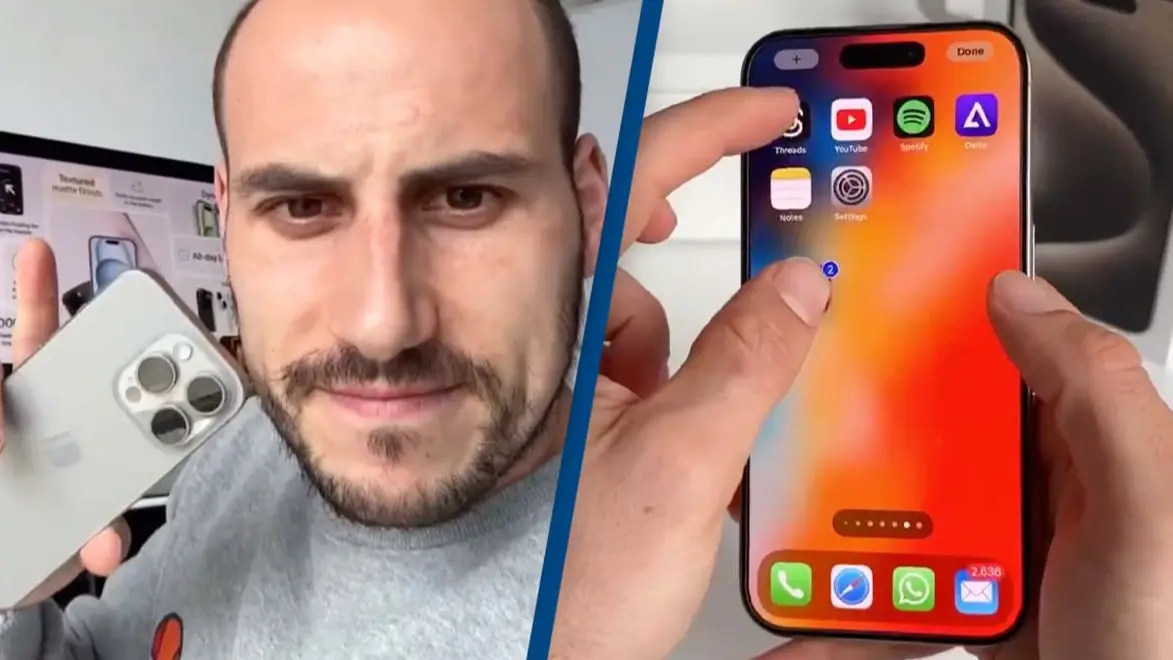
Man shows off iPhone 'tricks' leaving people convinced they don't know how to use their phones

iPhones come with hundreds of nifty time-saving tricks, organization tips and hacks to get the most out of technology.
Yet how many of us are really using the device to its full extent? I'm definitely guilty of just texting, Whatsapping or FaceTiming and very little else.
Yet a TikTok video that's been widely shared on social media has shown users just how little they actually know about their iPhone, as it seems the beloved Apple product can do a lot more than simply call, text or scroll through Instagram.
Advert
The brilliant hacks come from TikTok user @appledsign, who claims to be an 'Apple Expert', hence why he has so many quick insider tips and tricks.
Some of his hacks include undoing text just by shaking the device and sending 'congrats' as an iMessage which generates a cute onscreen animation.
He also shows how you can turn a picture of yourself into a sticker by holding down on the subject matter then tapping 'Add Sticker'. This sticker will then appear in the stickers menu which can be access on the keyboard.
If you've been guilty of letting the apps build up on your screen, the TikTok video also shows how you can reorganise it so that the ones you use the most appear on your home screen for easy access.
Simply hold down on an app you want to move until it starts shaking, then tap the others you wish to join it and drag them to the desired place, nifty right?
It's not just us who has been left surprised by the 'Apple Expert's' genius moves as his account has amassed a huge following.
After the video was shared on X, one person wrote: "Seems like I don’t know how to use my iPhone."
A second shared: "Pretty sure I use my iphone to about 3% of its capability and I couldn’t care less."
"Wow, you can even select text when holding the space button? Full page print screen??" shared another stunned user.
People have also been left 'mind blown' after recently discovering you're no longer limited to just sending one emoji at a time.
It turns out that you can actually stack certain emojis together to paint more of a picture of what you're trying to say - or perhaps you're simply bored on the train and trying to make some pretty pictures.
Using the emoji stacking trick you can create a collage of images on top of each other, and it appears it's also not something the internet can get over as one person shared: "I WAS TODAY YEARS OLD WHEN I FOUND OUT YOU CAN STACK EMOJIS."
Another person added: "What a fabulous new way to waste time."
Well I'm officially off to learn how to make my phone more organised, stack emojis and send animated texts to people so expect birthday balloons and celebration confetti from now on.
Topics: Apple, Phones, iPhone, Technology
 Niamh Spence