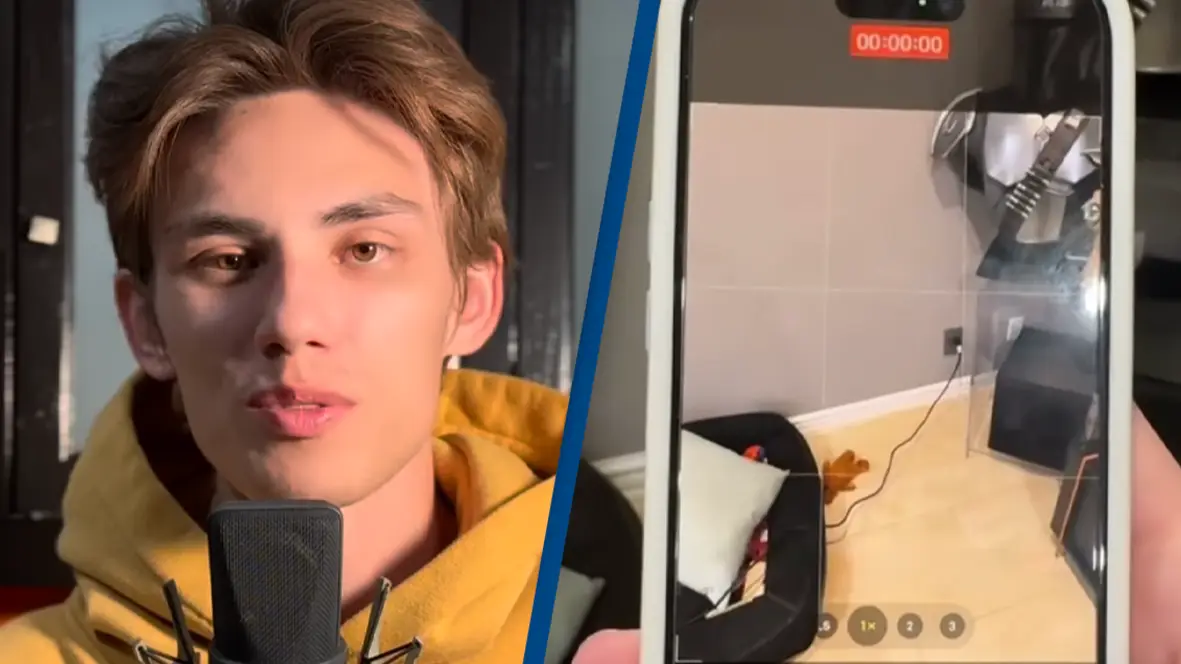
Ex-Apple employee shares iPhone hacks you might not know

A former Apple worker has revealed some hidden features that many people are yet to discover on their iPhones, and they might just make your life a whole lot easier.
Ex-Apple staff member Tyler Morgan has a viral TikTok account sharing all of the insider knowledge he learnt while working for the tech giant.
The account is just short of a million followers, currently at 770k.
It seems as though iPhone users are seeking to get the most out of their device, and Tyler has well and truly utilized his industry secrets.
Advert
The first trick he shared with the world is that you can actually just hold down the camera button to start recording a video, instead of swiping across to the video feature.
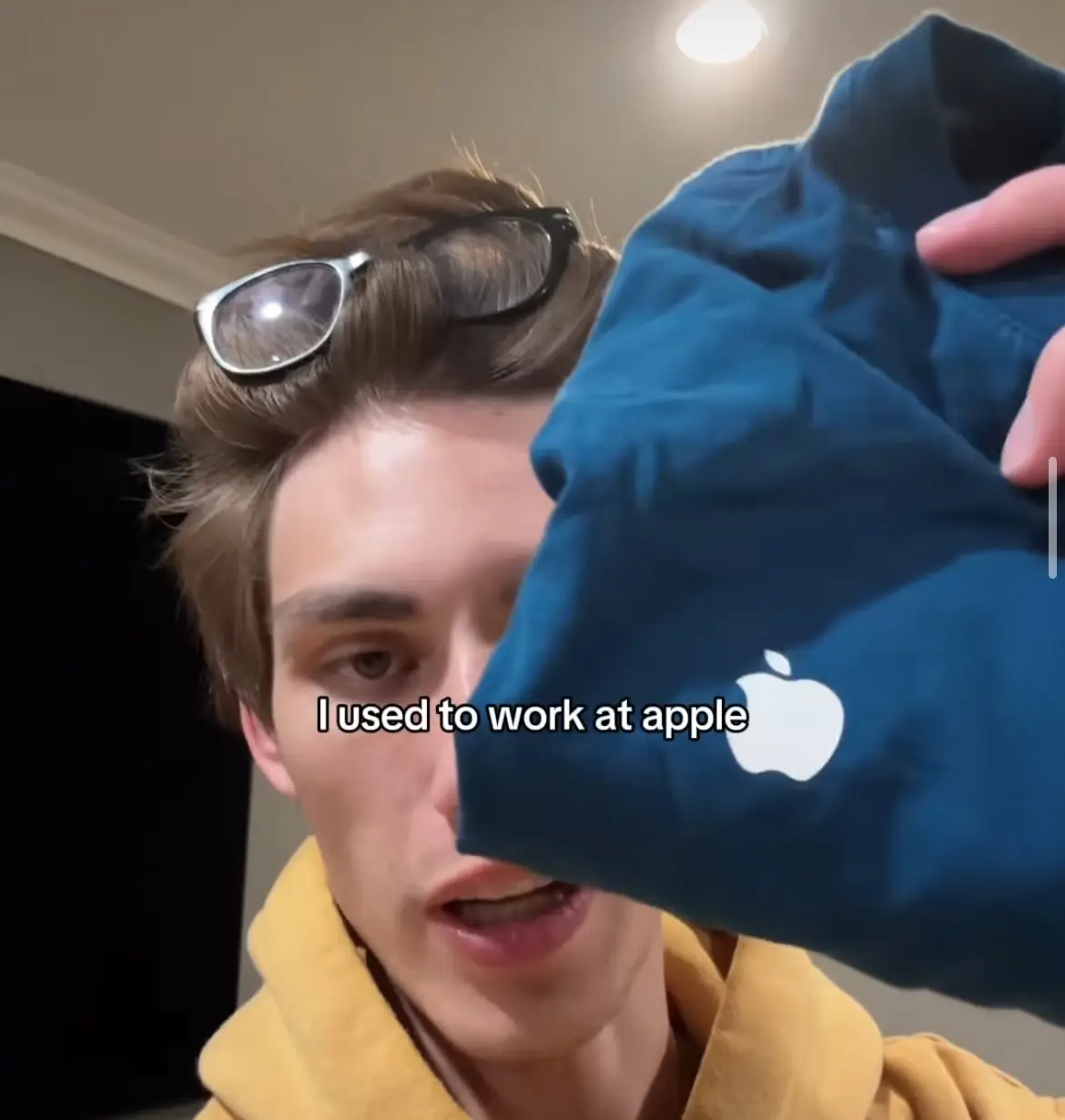
Imagine the videos we wanted to capture but never did just faffing trying to load the video mode; all your problems… sorted.
The next feature was also a bit of a game changer.
How many times a day do you try to stretch your hand muscles to reach the other side of the keyboard while texting? You end up trying to do the slidey thing across the keys that never work, well now we have a solution.
Apparently there is such a thing as the ‘one-handed’ keyboard, which you can locate in keyboard settings, and switch super easily.
The keys then go a little smaller, and squash themselves onto one side of your screen, making it more efficient to type with one hand.
A personal favorite is the voice over screen recording.
Who knew that you could record sound while filming a screen record?
Not us, that’s for sure.
To do this, you swipe down and hold down the screen record button, and it will reveal a small button with a microphone in it.
Simply click this to turn on voice recording, as well as whatever is on your screen.
Pure genius.

Another cool feature is controlling the brightness of your torch, it’s actually not just an ‘on or off’, there are different variations of light.
One hack that offers particular convenience is using the search bar that appears when you swipe down on the screen, as a calculator?
We shall never open the calculator app ever again.
And one that you might actually have heard about, because it pops up quite annoyingly a lot, is shaking your phone to undo something.
For example if you were writing in your notes and accidentally deleted what you were typing, simply shaking your phone can undo that whole process.
You are welcome!
Topics: Apple, iPhone, Technology
 Mia Williams