iPhone users warned about mysterious new setting that’s automatically switched on

iPhone users have discovered the latest Apple update has automatically opted them in to use a ‘creepy-sounding’ new setting.
Last December, Apple released iOS update 17.2 which added the NameDrop feature, as well as provided enhancements to the keyboard to make texting a more seamless experience.
Alongside these additions, the company introduced the Journal app, a new tool for reluctant diarists.
Advert
The pre-loaded programme allows users to type out their thoughts, feelings and reflections as well as practice mindfulness and gratitude.
If you’re unsure how to go about journalling, then the company has a solution to that too - 'Journaling Suggestions’.
By toggling ‘yes’ on this setting, you automatically allow your iPhone to access stored phone data, such as pictures and significant locations, so that you may start to receive personalized journal prompts.
However, some users who have elected to peruse this setting have also discovered that Apple has enabled another iPhone feature by default.
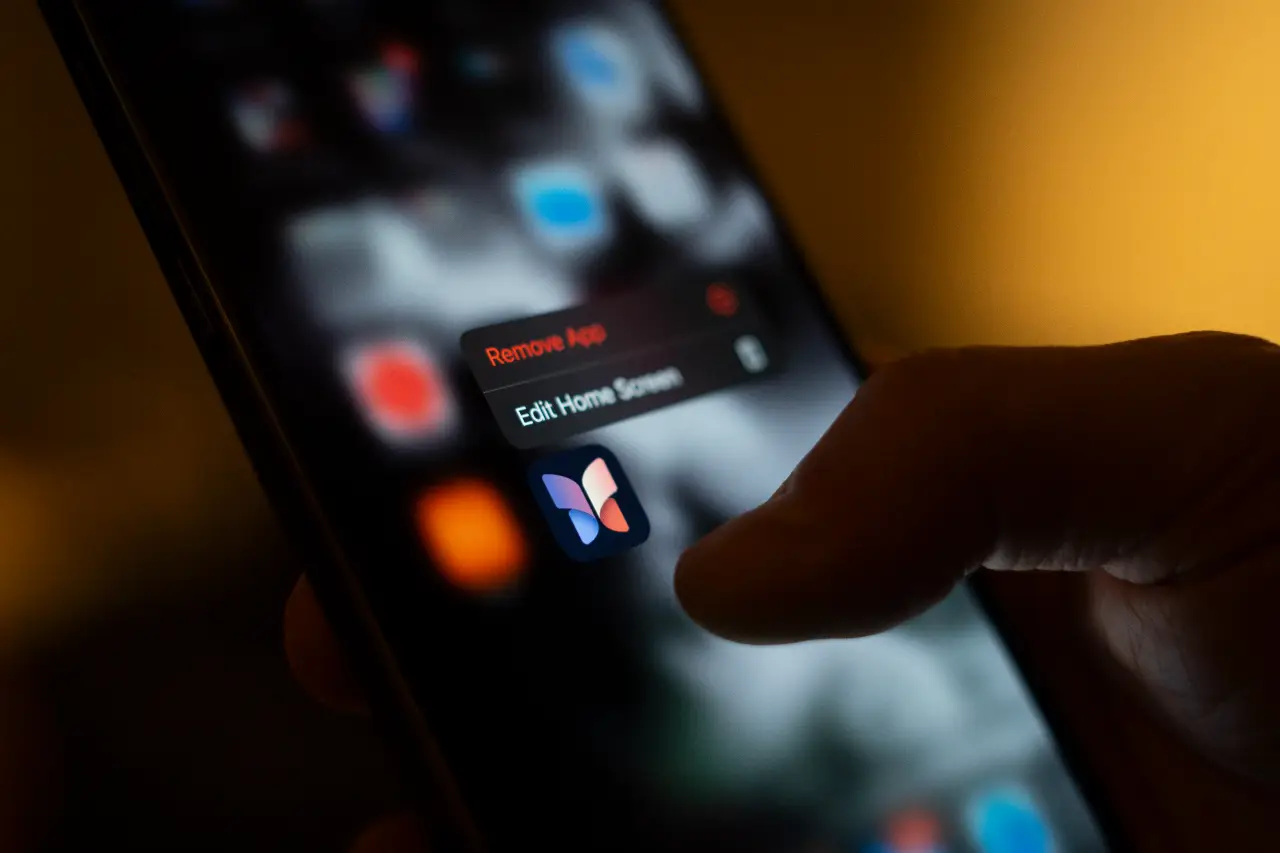
This feature is called ‘Discoverable by Others’ and, according to news.com.au, remains on even if you tap off the Journaling Suggestions setting and delete the Journal app.
When iPhone users clocked it was turned on by default, some urged others to turn it off immediately, fearing they're name and location was being shared with others.
However, according to Apple, that isn't actually the case.
What does the Discoverable by Others feature do?
According to Apple’s Journaling Suggestions and Privacy page, the option can detect other users nearby who have their Journal app settings turned on.
Therefore, contextual information such as the number of contacts around you can be gathered and later influence the journal prompts your iPhone sends to you.
Thankfully, the Discoverable by Other setting isn’t as scary as it sounds though and, according to Apple, there isn’t a privacy risk.
According to Popular Science, this setting doesn’t save the details of contacts around your phone and contacts also won’t be suggested for you to write about in the Journal app. None of the data is visible to Apple either.
The site writes: “The other person will only see a prompt like 'dinner with friends' if a lot of other iPhones turn up in the evening, for instance. And it doesn’t mean your location is being tracked or stored anywhere.”
So, while Discoverable by Others may be an unwanted feature for some, it's not as sinister as it might sound.
How to turn off the Discoverable by Others setting
While Apple has toggled this setting on automatically, it’s super simple to knock it off.
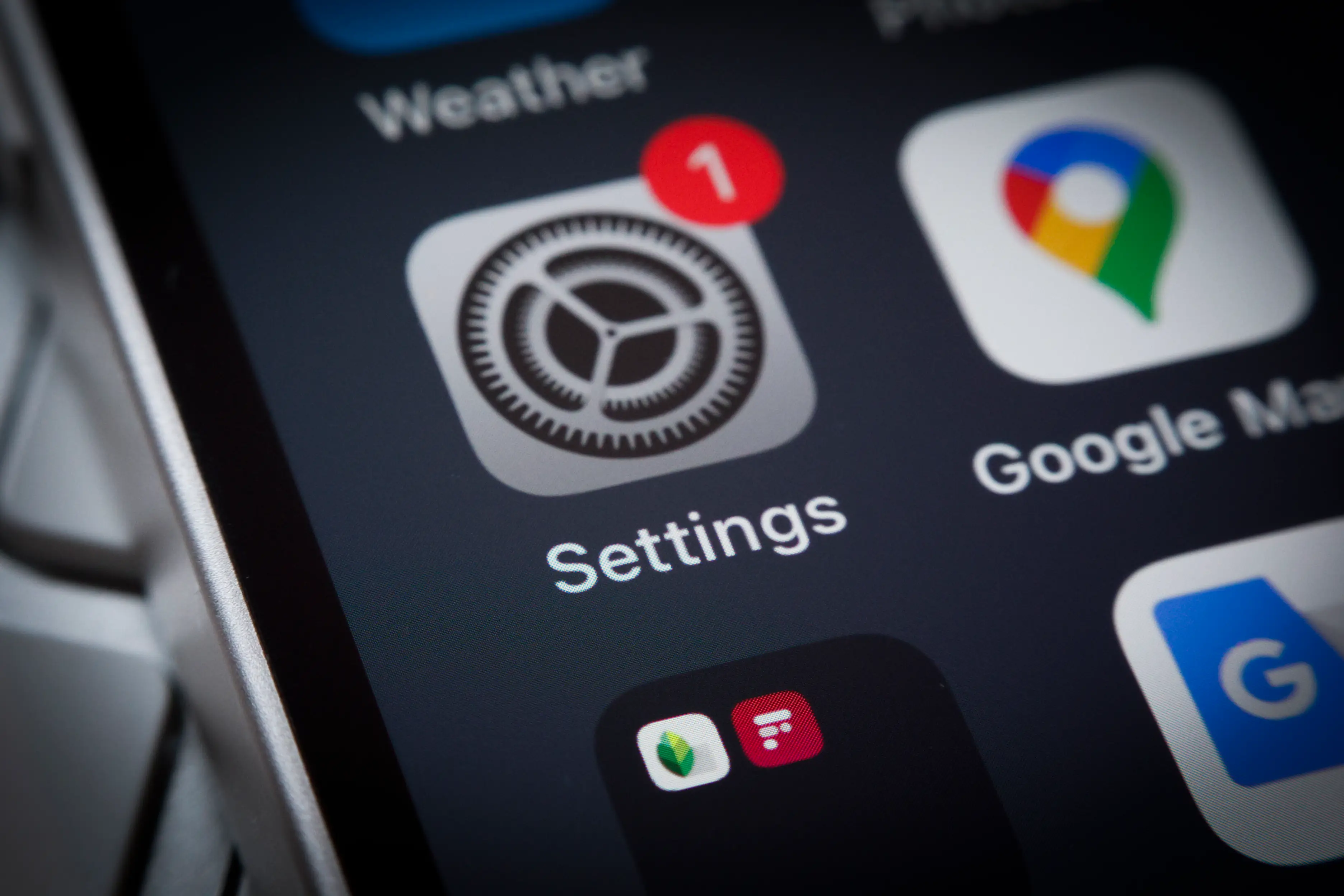
So if you’re not too keen, then you just need to head over to Journaling Suggestions in your iPhone settings and tap to turn it off.
For further security, Apple users can also turn off the Journal app’s ability to sense the number of nearby devices and contacts to create writing prompts.
Again, you need to go into Journaling Suggestions and toggle off ‘Prefer Suggestions with Others’.
UNILAD has contacted Apple for a comment.
Topics: Apple, iPhone, Technology
 Ella Scott