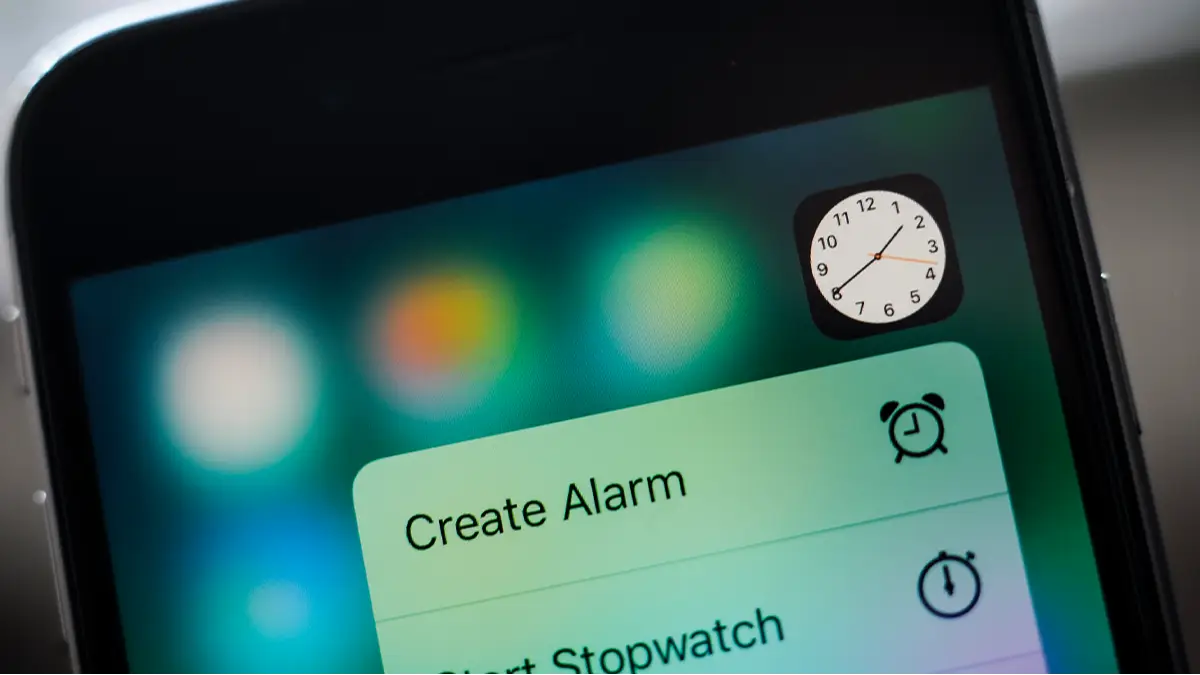
iPhone user shocked to discover 'ridiculous' hidden feature in new clock app

Apple fans have a reputation for spotting the tiniest details, and the internet never seems to tire of finding new ones, with the latest being that users have been surprised to discover a hidden element in the clock app.
Recently, one of the key social media platforms has been slightly buzzing again after one iPhone owner shared a discovery that quickly turned into a low-key debate about whether Apple’s design team is secret perfectionists or just very good at saving battery life.
As with a lot of things in the tech world, some users praised the feature as genius while others insisted there was a far more practical explanation hiding beneath the surface.
The discussion began when a technology-focused content creator, Shishir, questioned an unusual change they noticed while switching between phone settings.
Advert
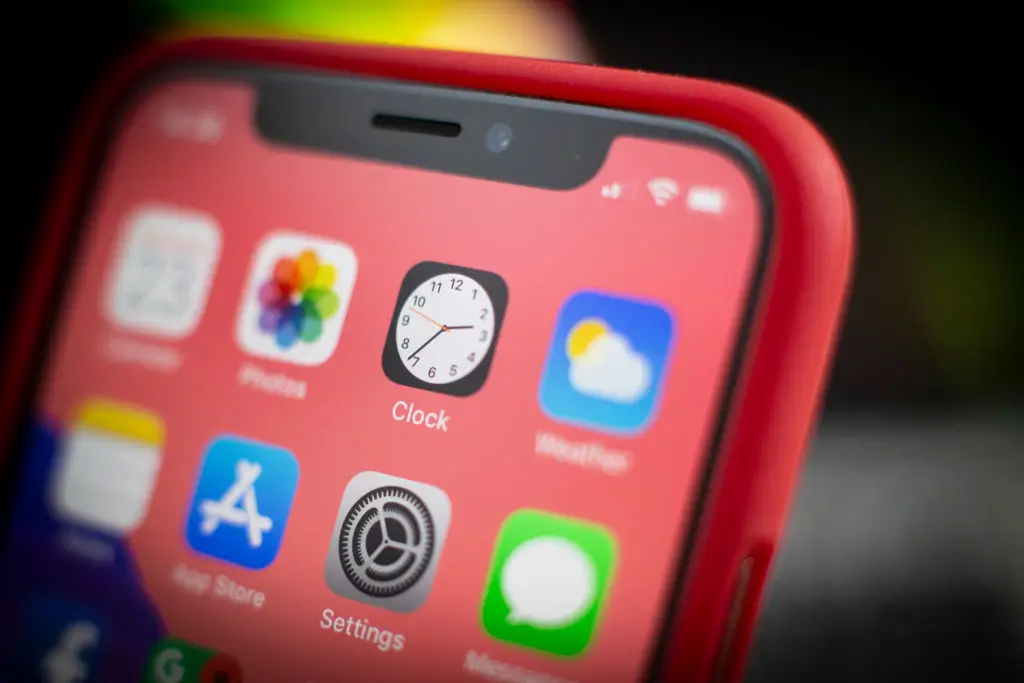
At first, nothing looked different. The icon sat there as it always had, quietly ticking away on the home screen, blending in with the rest of Apple’s familiar layout.
However, after giving it a closer look, he posted on X (formerly Twitter) what he had uncovered, saying: 'Wait… the Clock icon on iOS ticks like quartz watch in low power mode and mechanical in normal mode???' the user wrote online. 'That's ridiculous attention to detail.'
What he specifically means is that the iPhone clock’s second hand appears to change depending on whether Low Power Mode is switched on. Normally, the hand glides smoothly around the face, but when battery-saving mode kicks in, it begins ticking one second at a time instead — interpreted by Shisir as the latter has been programmed into the application as part of its design, to behave like a different type of watch when switching to and from the mode.
Not everyone was convinced it was an intentional flourish, though. One person replied: “It's not an attention to detail, it's an easy point to save battery! When you animate the entire flow, that is more pixels having to turn on and off. When you cut each second, the pixels are doing less, saving battery life.”
Meanwhile, another added:”'I think it's merely due to the refresh rate of the always-on screen that goes down to 1/s.”
A fellow commenter said: “It's probably not attention to detail but rather saving some battery by processing lesser frames.”
Apple has long said that Low Power Mode adjusts several background processes to extend battery life. As on the Apple support page, the company has previously explained: “When the battery level gets low, Low Power Mode reduces background activity on iPhone and iPad devices to extend battery life.”
Some users were even more impressed after learning about the technical side of things.
One commended: “It's even cooler than that - the screen goes down to 1Hz refresh rate. Super smart stuff.”'
Topics: Apple, iPhone, Technology
 Ben Williams