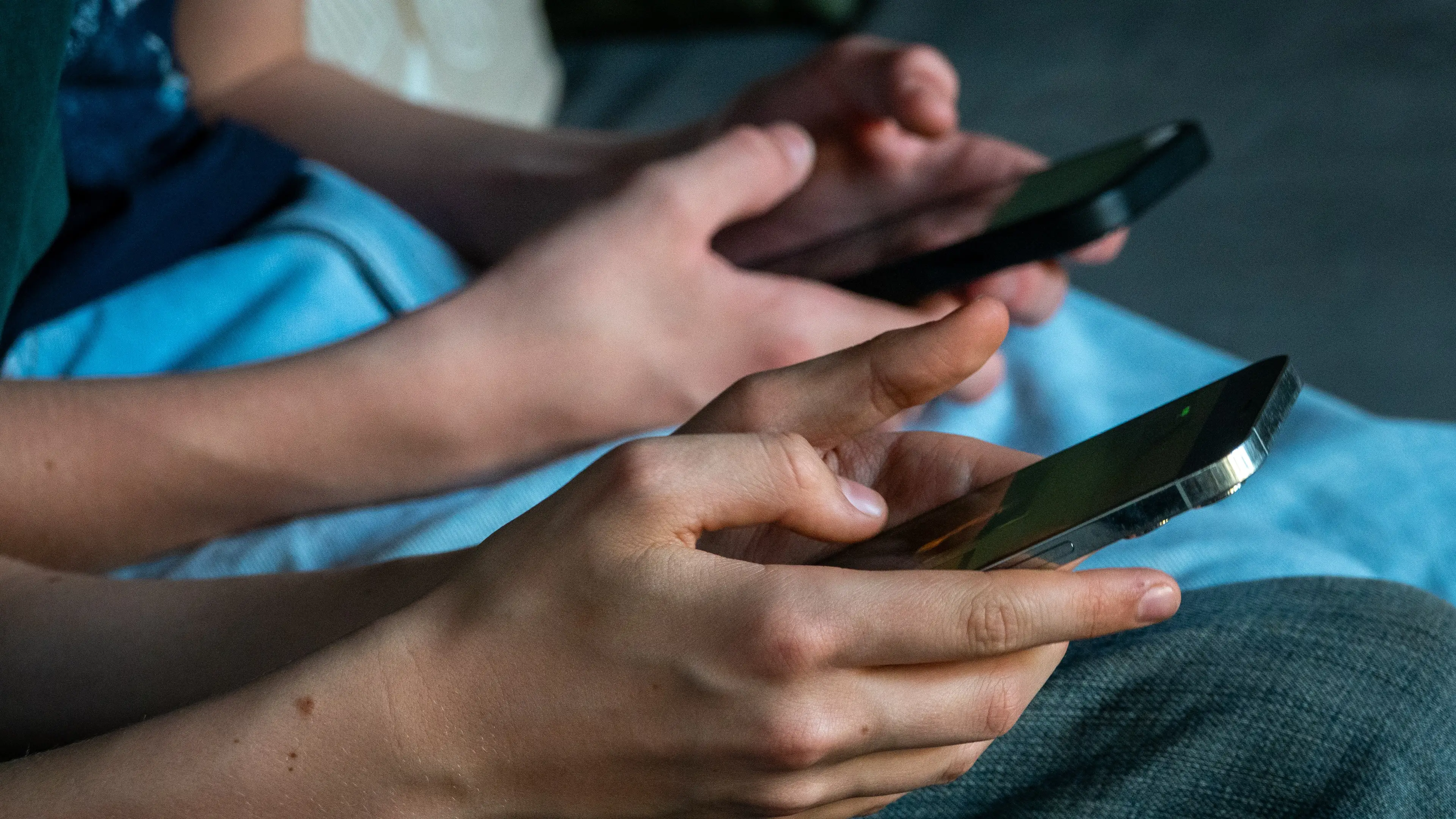
Apple just made a historic change to messages that will unite all phone users

The latest update to drop on Apple devices is bringing a big change to the way messaging will work that will unite all phone users.
iOS 26.5 dropped on iPhone on Monday (May 11) and while many of the features included are in 'beta' phase, there are plenty of new bits for Apple users to sink their teeth into.
The biggest addition with the latest update is certainly encrypted Rich Communication Services (RCS) messaging, which brings about huge changes for folks messaging between iPhone and Android.
For many a year, people texting each other between platforms had seen the message travel without end-to-end encryption, essentially meaning the service provider can decrypt and read messages.
Advert
With iOS 26.5, encryption is on by default and Apple users will be aware its working through the lock icon which will appear in the Messages app. This means that the texts you are sending are protected.
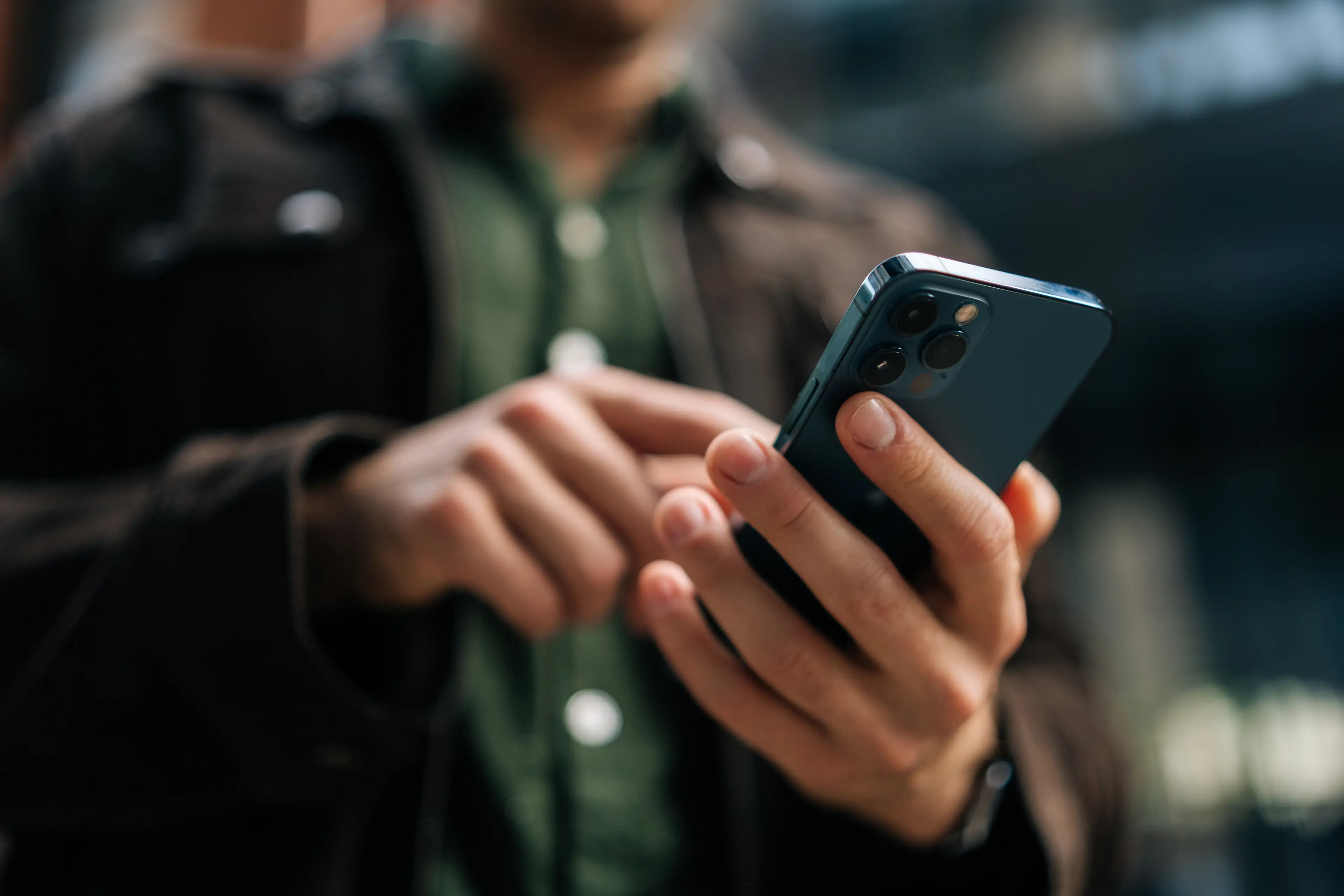
While the new encryption tool will be in force for direct messages with other phone users, it's worth nothing that group chats with those messaging between Android and iPhone on the phone's main messaging app will not benefit from the latest update.
And it should also be worth noting that the new feature is dependent on carrier support, with Apple not yet revealing what networks are supporting the new feature that may just unite all phone users.
With many iPhone users preparing to download iOS 26.5 this evening to take advantage of the new messaging feature, some will be worried about the impact such could have on battery life.
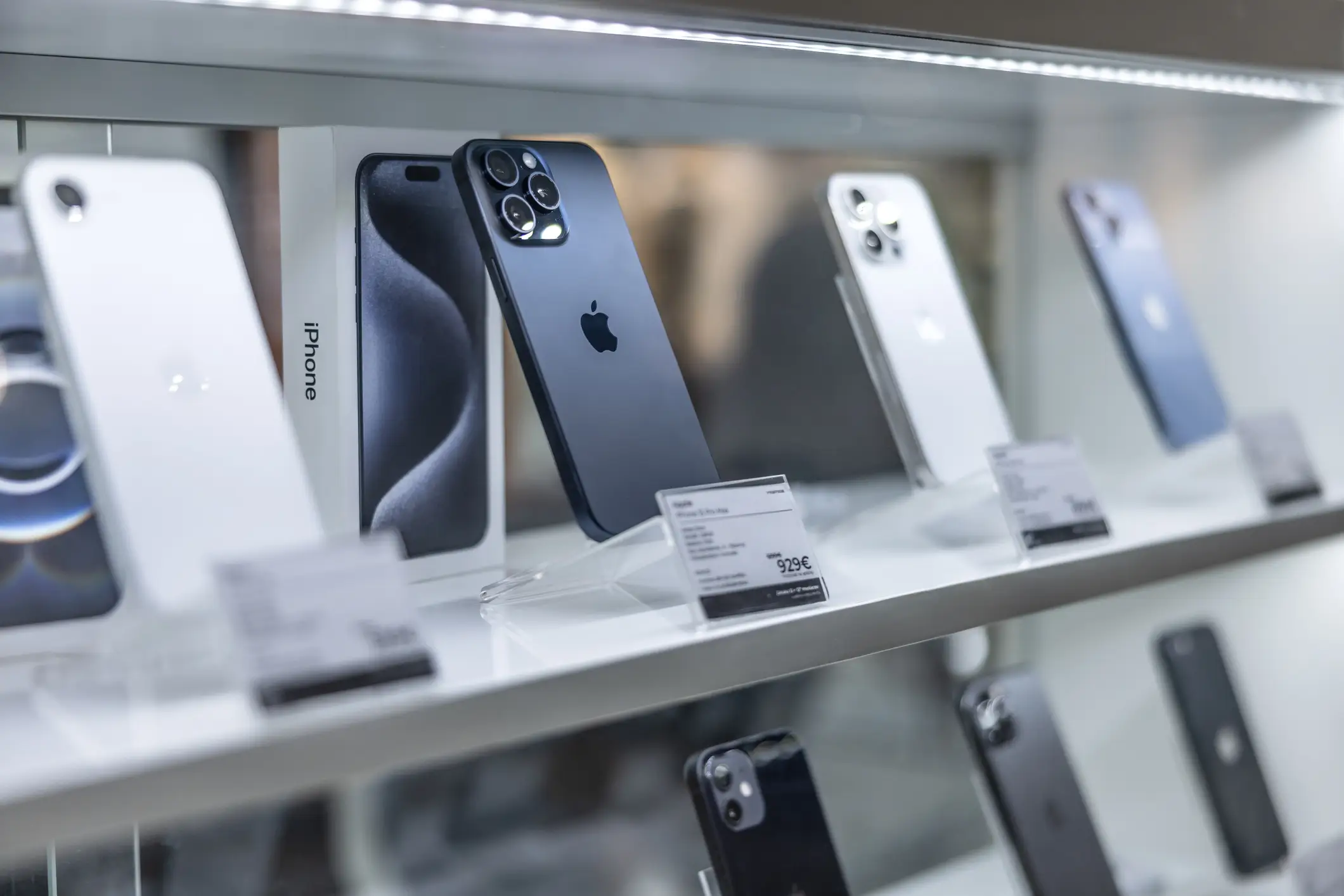
You see, once a new iPhone update has been installed, your phone is doing something known as 'indexing' in the background.
This essentially sees the files on your device being sorted in the background and updating themselves to ensure it's compatible with the new software.
As you might expect, this can put a bit of a strain on a device, potentially leading to battery life problems for a short period of time.
Apple's own support page states: "If you notice that your battery life has decreased after updating your iPhone, wait a few days and then check again.
"Even though you can use your iPhone immediately after an update, certain tasks related to the update continue in the background and might affect battery life and thermal performance."
 Callum Jones