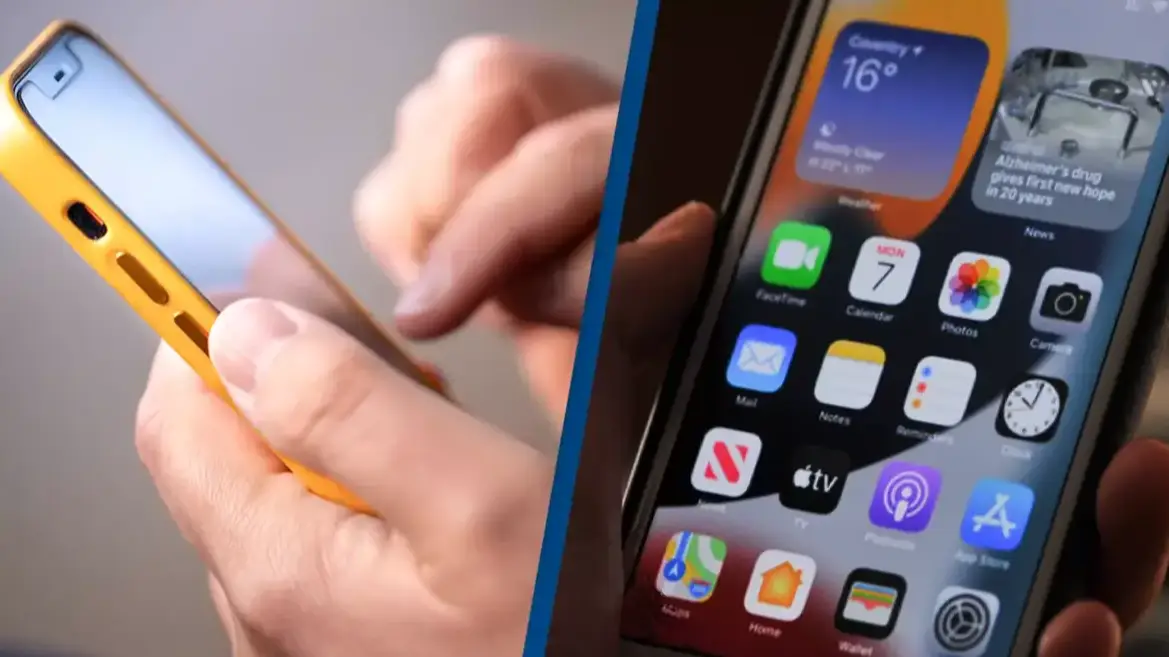
Apple confirms swiping apps closed causes your iPhone to slow down and lose battery life

iPhone users are constantly looking for ways to save battery, particularly folks on older devices.
After having an Apple phone for long enough, you'll become well aware of a depleting battery.
Advert
And when out and about on top of the fact of not having a charger, this can become a real problem.
So, a lot of us resort to various methods to protect that precious battery.
One of those is swiping apps closed on your iPhone - something that seems pretty logical, eh?
If you have fewer apps open, surely your device won't have to juggle as much at once and subsequently protect charge, right?
It's not exactly surprising that many of us frequently swipe up on the screen and flick those apps into the abyss.
And we do so convinced that we're about to see a big payoff in the battery department.
It all sounds pretty sensible and certainly makes sense. However, Apple has explained that's not exactly how it works.
Even though you can quickly jump back and forth between apps when you keep them 'open', all the apps you think you have running in the background aren't actually as active as you might think.
On its discussion forum, Apple explains: "When your recently used apps appear, the apps aren’t open, but they're in standby mode to help you navigate and multitask."
Some apps you've recently come out of will run 'for a short period of time', but as soon as they fall into that suspended state, they aren't 'actively in use, open or taking up system resources'.
Aka, they're not draining the battery, and closing them won't keep your phone alive for longer.
In fact, force-closing the apps can be detrimental, as Apple adds: "You should force an app to close only if it’s unresponsive."
John Gruber, a gadget-focused journalist, offered further insight on the blog Daring Fireball into why closing apps can actually be bad for your battery.
Gruber explained: "Apps in the background are effectively 'frozen', severely limiting what they can do in the background and freeing up the RAM they were using. iOS is really, really good at this.
"It is so good at this that unfreezing a frozen app takes up way less CPU (and energy) than relaunching an app that had been forced to quit.
"Not only does force quitting your apps not help, it actually hurts. Your battery life will be worse and it will take much longer to switch apps if you force quit apps in the background."
If you've been left horrified at the revelation that closing apps can be bad for your battery, then don't worry, because Apple has shared some other tips on how to make the most out of your iPhone.
To maximize battery life, the company recommends updating to the latest software, lowering your brightness, making use of 'Low Power Mode' and turning off Location Services.
 Callum Jones