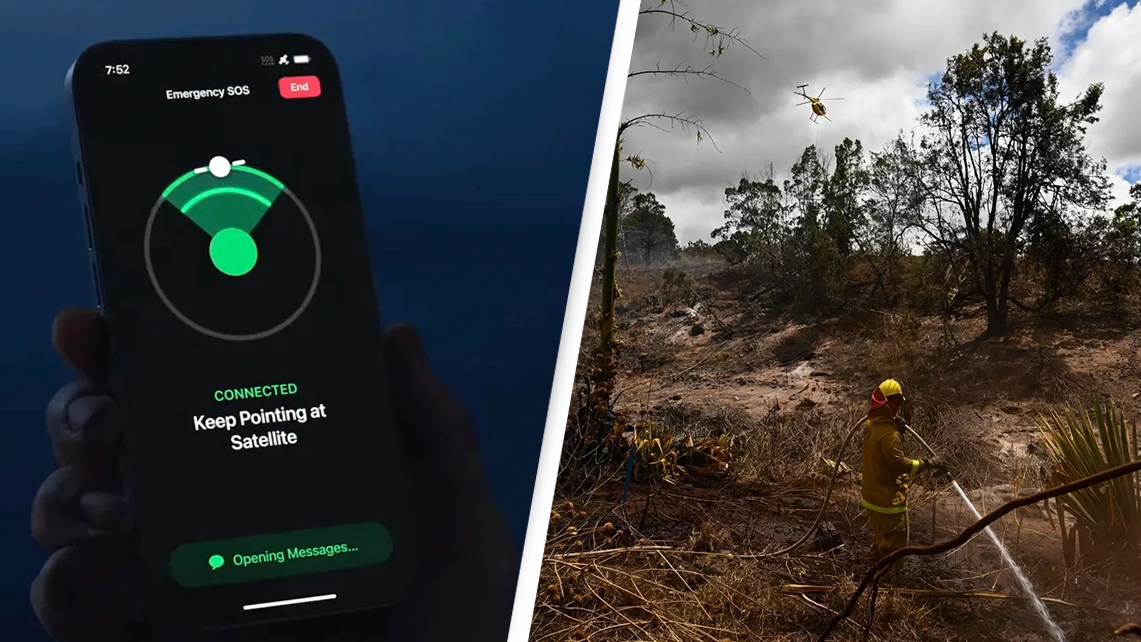
Hidden iPhone feature 'literally saved lives' as wildfires tore through Hawaii

Thousands of people remain displaced in Hawaii as wildfires have torn through the state, but there are some people alive today thanks to the help they got through a feature on Apple's iPhone.
At least 99 people are confirmed to have died as a result of the blazes in Hawaii, making the disaster the deadliest US wildfire in more than a century.
Advert
Fires have destroyed dozens of buildings and other infrastructure, in turn making it likely that cell phone service would be interrupted or unreliable for those attempting to call for help.
A lack of service can be a problem in all sorts of natural disasters, so last year Apple announced a feature to ensure people would still be able to contact the emergency services if mobile service went down.
Emergency SOS via satellite, which is available on the iPhone 14, can be used to text the emergency services when no mobile and Wi-Fi coverage is available.
On other iPhones, the SOS feature is available when 'SOS' appears in the iPhone status bar, indicating a mobile network is available for emergency calls.
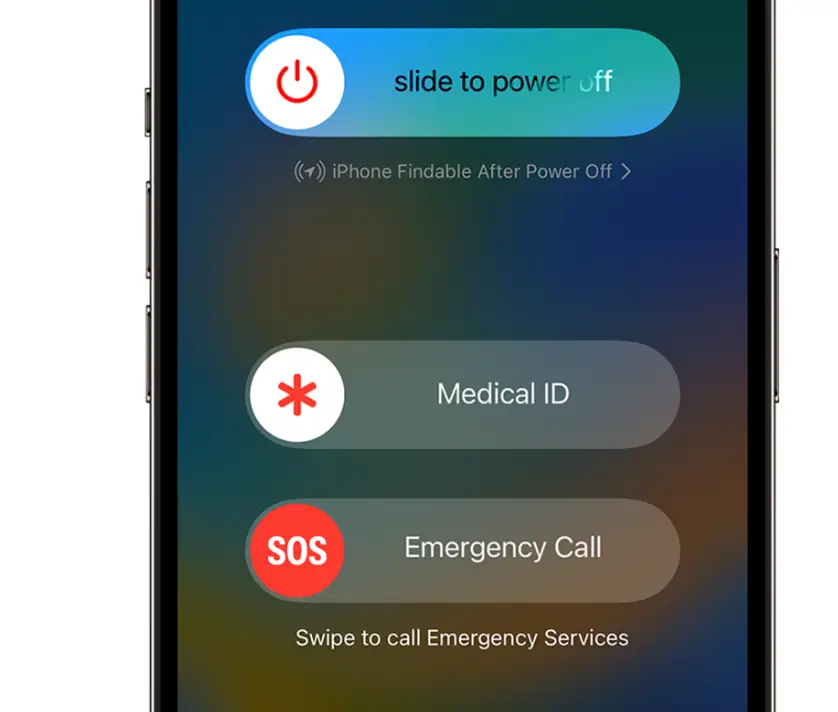
The Apple Emergency SOS feature will call the local emergency number automatically and share your location information with the emergency services.
The feature also allows users to add emergency contacts who can be contacted via text message after the emergency call has been placed.
If SOS mode is activated, emergency contacts will receive updates when your location changes.
X, formerly known as Twitter, user Michael Miraflor shared a story of how the feature was used to help save someone he knew who was in Hawaii when the fires struck, with a screenshot from the iPhone what happened after SOS mode was activated.
"My brother’s girlfriend’s cousin and his family were caught in their vehicle in Maui while the wildfires suddenly erupted around them," Miraflor said.
"No cell service, so Apple Emergency SOS was the only way they could get in contact with first responders. Literally saved their lives."
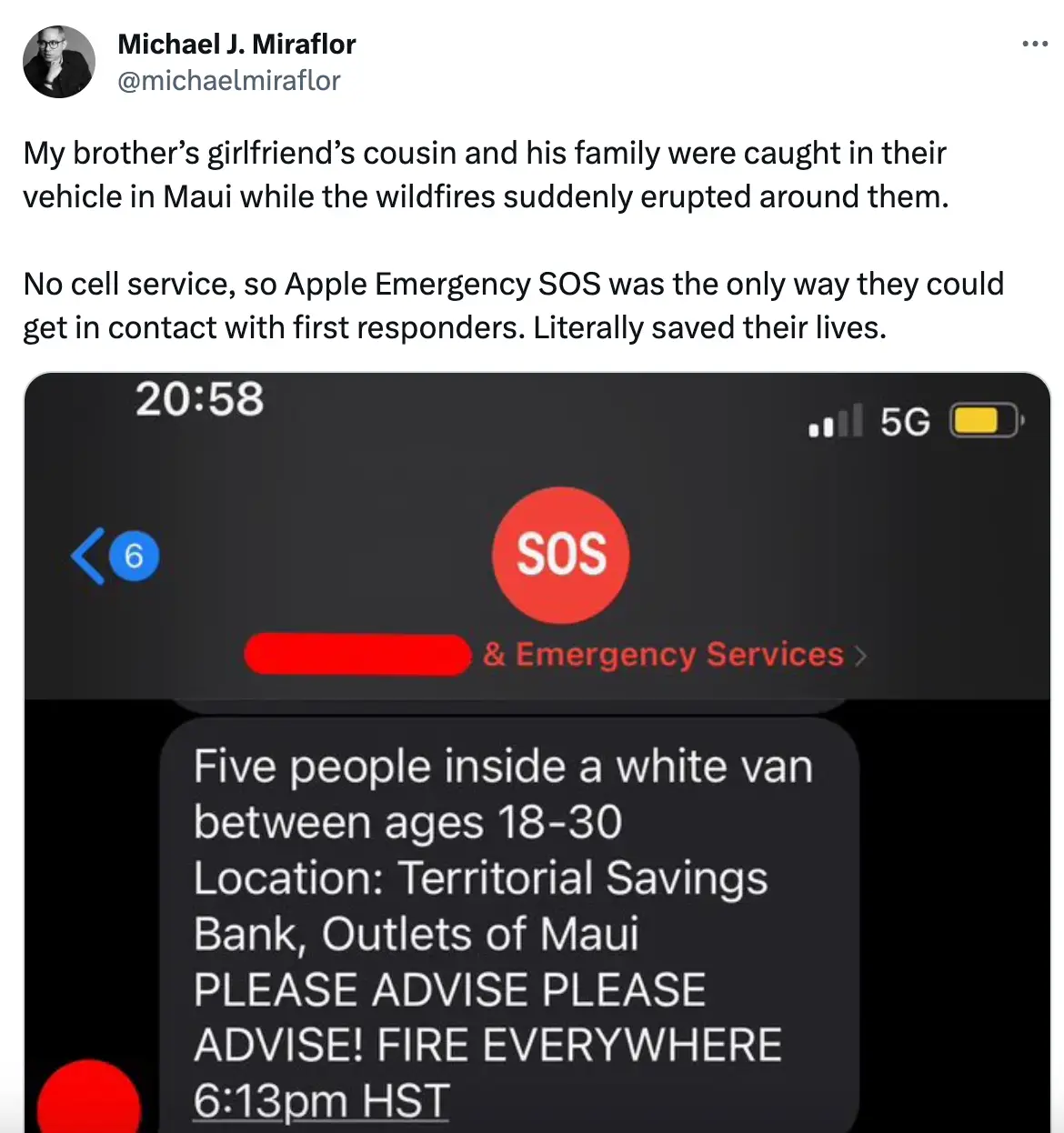
The screenshot showed a conversation between the fire department and dispatchers as the group's location was pinpointed and sent it to the dispatcher.
Milafor said the group was safely evacuated within 30 minutes thanks to the Emergency SOS feature.
On iPhone 8 or later, SOS can be used to call the emergency services by pressing and holding the side button and one of the volume buttons until the Emergency SOS slider appears.
You can then drag the Emergency Call slider to call the emergency services. If you continue to hold down the side button and volume button, instead of dragging the slider, a countdown will start and an alert will sound, Apple explains. If you release the buttons after the countdown, your iPhone will call the emergency services automatically.
On iPhone 7 or earlier, you can activate SOS mode by pressing the side or top button five times rapidly. The Emergency Call slider will appear. You can then drag the Emergency SOS slider to call the emergency services.
If you would like to donate to the Hawaii Community Foundation’s Maui Strong Fund, which is supporting communities affected by the wildfires, click here for more information.
You can also donate to the American Red Cross, which helps provide food, medical supplies, shelter and water to those impacted.
Find out about other ways to help here.
Topics: Apple, iPhone, Technology, US News, Hawaii
 Emily Brown